Laptop Screen Flickers When Moving Lid? | Quick Repair NYC
Why Does My Laptop Screen Flicker When I Move the Lid?
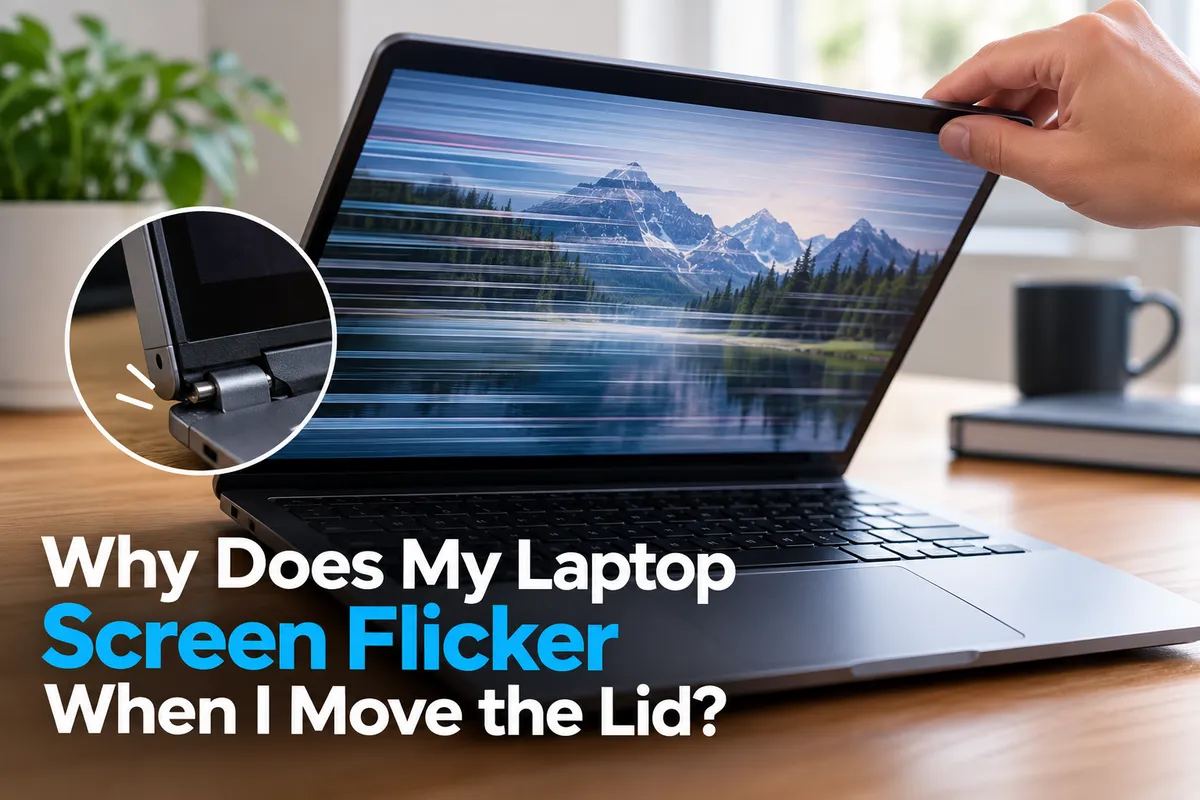
A laptop screen that flickers when you move the lid often points to a hardware problem. The display may look fine at one angle, then flash, dim, show lines, or go black as you open or close the screen. That pattern can suggest an issue with the display cable, hinge area, panel connection, or screen itself.
Quick Repair and Electronics provides laptop repair in East Village, NYC for screen problems, charging issues, overheating, battery faults, and other hardware concerns. If your display changes whenever the lid moves, identifying the source early may help prevent a minor connection problem from becoming a complete screen failure.
What Does It Mean When a Laptop Screen Flickers With Lid Movement?
The display in a laptop is connected to the motherboard through a thin internal video cable that passes through or near the hinge area. Every time the lid opens and closes, that cable bends slightly.
Over time, hinge wear, impact damage, or a loose connector can affect the cable. When the connection becomes unstable, moving the screen may interrupt the video signal or backlight power.
That can cause symptoms such as:
· Screen flickering at certain angles
· Brief blackouts
· Colored lines or visual distortion
· A dim screen that returns when the lid moves
· Display image cutting in and out
· Flickering that stops when the lid is held still
A Loose or Damaged Display Cable Is a Common Cause
One of the most likely causes is a loose, worn, or damaged display cable.
The cable carries video data from the motherboard to the laptop screen. Depending on the laptop design, it may also carry power for the display or backlight.
If the cable is pinched, partially disconnected, or damaged near the hinge, moving the lid can change the connection enough to make the screen flicker.
A cable problem can develop gradually. At first, the display may only flicker when the lid is nearly closed or opened very wide. Later, the issue may happen at more angles or the screen may stop displaying entirely.
Because the cable runs inside the chassis and display assembly, diagnosis usually requires opening the device.
Hinge Problems Can Put Stress on the Display Cable
A damaged or stiff hinge can contribute to screen flickering.
Laptop hinges should move smoothly while keeping the screen stable. If a hinge becomes loose, misaligned, or stiff, it may place additional pressure on the display cable.
You may notice cracking sounds, resistance when opening the laptop, separation around the screen bezel, or part of the casing lifting near the hinge.
Continuing to force a damaged hinge can increase stress on the cable and surrounding components.
If the screen flickers and the hinge also feels loose or difficult to move, both areas should be inspected rather than treating the flicker as an isolated display issue.
Could the Laptop Screen Panel Itself Be Failing?
Yes.
A failing LCD or OLED panel can produce flickering, lines, black areas, discoloration, or intermittent image loss.
Physical pressure, drops, impacts, or internal panel failure may cause symptoms that change when the lid moves because the panel flexes slightly.
If the screen has visible cracks, pressure marks, vertical lines, or dark areas in addition to flickering, the display assembly may need replacement.
However, replacing the panel without checking the cable and hinge first can lead to unnecessary repair costs. A proper diagnosis helps determine whether the fault is in the screen, cable, or another component.
What If the Screen Flickers Even When the Lid Is Not Moving?
If the flickering also happens while the laptop is completely still, the cause may be different.
Possible issues include graphics drivers, display refresh settings, GPU problems, power-management behavior, or a failing panel.
Software-related flickering may appear after a driver update or operating-system change. Hardware-related flickering may occur during startup, before Windows loads, or across multiple applications.
The important clue is whether physical movement of the lid consistently triggers the problem.
If moving the lid reliably causes the display to flicker, a hardware connection around the screen and hinge becomes more likely.
Use an External Monitor as a Helpful Test
Connecting the laptop to an external monitor or television can provide useful diagnostic information.
If the external display remains stable while the built-in laptop screen flickers, the problem is more likely to involve the internal display, cable, or hinge area.
If both screens flicker at the same time, the issue may involve graphics hardware, drivers, or another system-level problem.
This test can help narrow the problem further before repair.
Quick Repair and Electronics also provides computer repair in NYC for broader graphics, startup, memory, and hardware problems when the issue is not limited to the laptop display.
Can Opening and Closing the Lid Make the Problem Worse?
Potentially.
If a damaged cable is being stretched, pinched, or rubbed by the hinge, repeated lid movement may worsen the wear.
A failing hinge can also damage the bezel, screen housing, or internal cable routing over time.
If you find one screen angle where the display remains stable, avoid repeatedly moving the lid just to make the image return.
Instead, back up important files while the laptop is still usable and arrange an inspection.
The goal is to avoid turning an intermittent display problem into a complete loss of picture or additional structural damage.
Should You Try to Repair the Display Cable Yourself?
Laptop display repairs can be more delicate than they appear.
Accessing the cable may require removing the bottom cover, battery connection, display bezel, hinge covers, or other components. Some laptops use fragile clips, adhesive, or tightly routed cables.
Incorrect disassembly can damage the screen, connectors, battery, antenna wires, or housing.
If the laptop contains a swollen battery, damaged hinge, or cracked screen, additional caution is required.
Basic external troubleshooting is reasonable, but internal cable and hinge work is better handled by someone familiar with the specific laptop design.
When Is Screen Flickering an Urgent Repair Issue?
Have the laptop inspected sooner if the flicker is becoming more frequent, the screen repeatedly turns black, the hinge is separating from the case, or you hear cracking when moving the lid.
You should also stop forcing the lid if it feels unusually stiff.
Other warning signs include burning smells, visible cable damage, screen discoloration that spreads, or a display that only works at one narrow angle.
These symptoms suggest that the problem is progressing rather than remaining stable.
Laptop Screen Repair in East Village, NYC
A laptop screen that flickers when you move the lid often points to a loose display cable, hinge-related stress, a damaged connector, or a failing screen panel. Software problems can cause flickering too, but movement-related symptoms deserve a closer hardware inspection.
Quick Repair and Electronics provides professional laptop repair in East Village, NYC. Our technicians can inspect the display, hinge area, cable connection, and related hardware to determine what is causing the flicker.
If your laptop screen flashes, dims, shows lines, or goes black when you adjust the lid, bring the device in for evaluation. We can explain what we find and recommend the repair option that makes sense for the condition of your laptop.