
Computer Repair NYC


Professional Computer Repair in NYC
A reliable computer repair begins with diagnosis.
A desktop that will not turn on may have a power supply problem, motherboard fault, loose connection, damaged cable, or another internal issue. A computer that powers on but shows no image can point to memory, graphics, display, or other hardware problems. Slow performance can come from low storage space, failing drives, overheating, background software, or insufficient memory.
Because many computer problems produce similar symptoms, our approach focuses on isolating the likely cause before deciding which repair is appropriate.
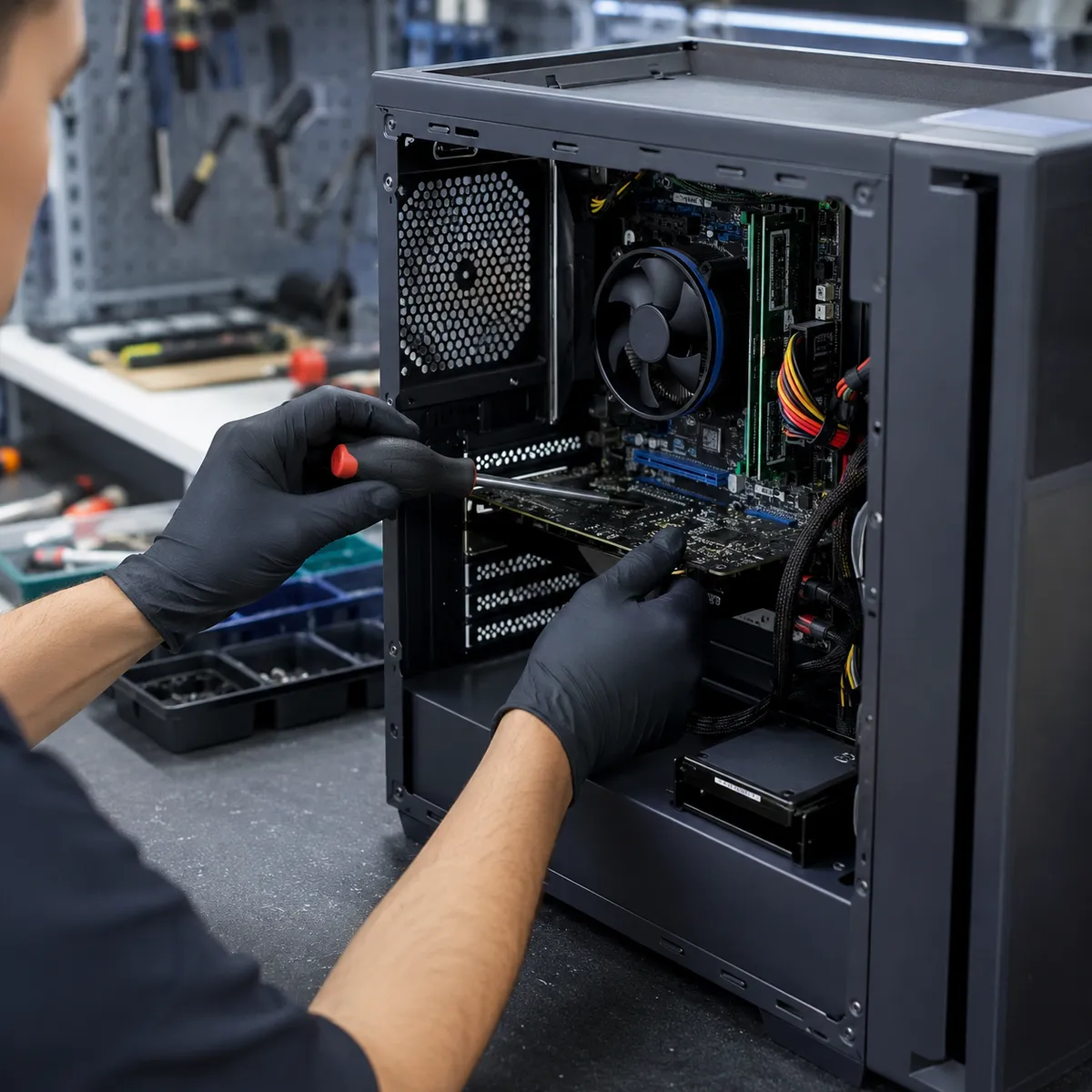
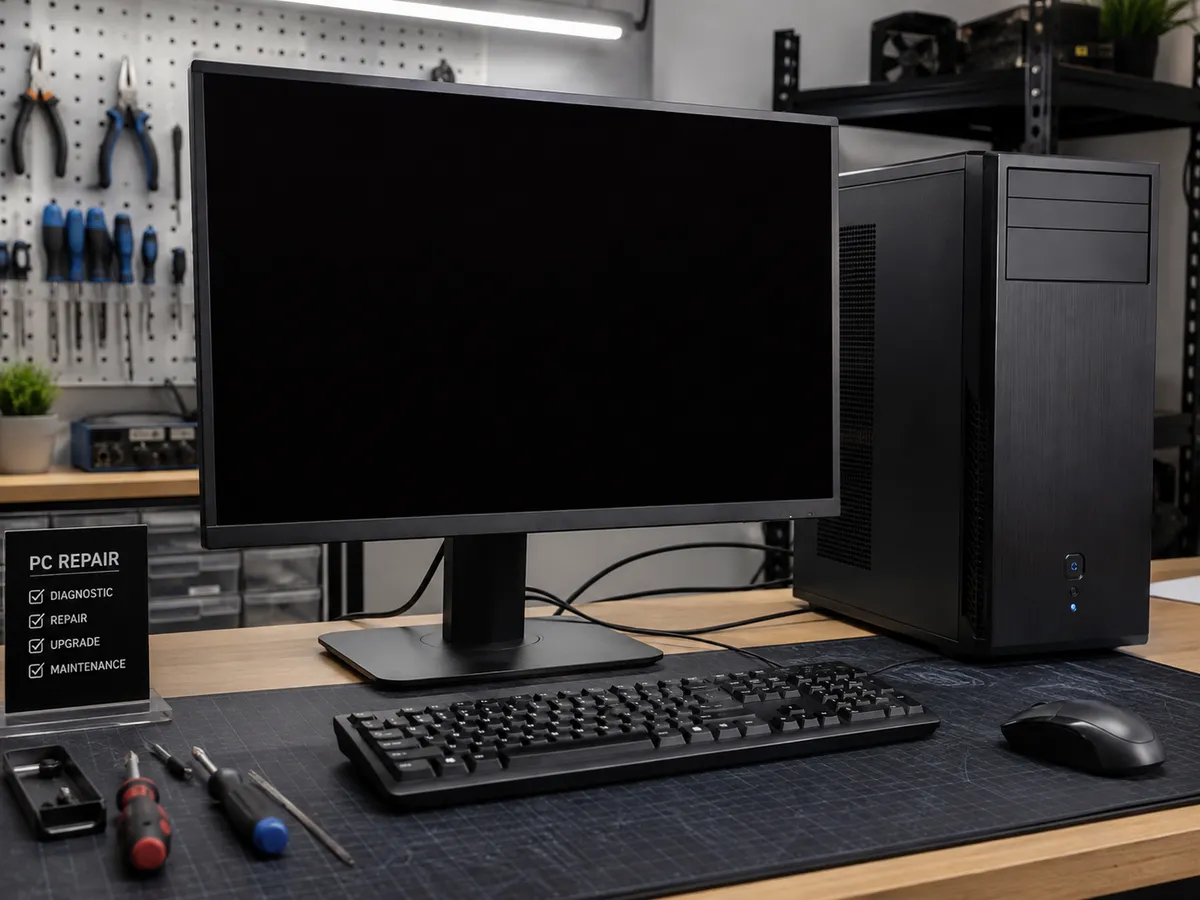
Computer Won't Turn On
A computer that shows no signs of power can have several possible faults.
The issue may involve the power supply, motherboard, internal cabling, power button, or another component. If the computer turns on briefly and then shuts down, overheating, power delivery, or hardware failure may also be involved.
A system that lights up and runs fans but never reaches the operating system is different from one that remains completely dead. Testing the machine helps distinguish between these situations and reduces unnecessary part replacement.
Computer Running Slow
A slow computer does not automatically need to be replaced.
Performance problems can be caused by low storage space, too many background programs, malware, insufficient RAM, overheating, or an aging storage drive. In some cases, a computer that once worked normally may become significantly slower because a hard drive is beginning to fail.
Warning signs such as freezing, unusually long startup times, file errors, or repeated crashes should not be ignored.
Quick Repair and Electronics can evaluate hardware and software factors and recommend an appropriate repair or upgrade.
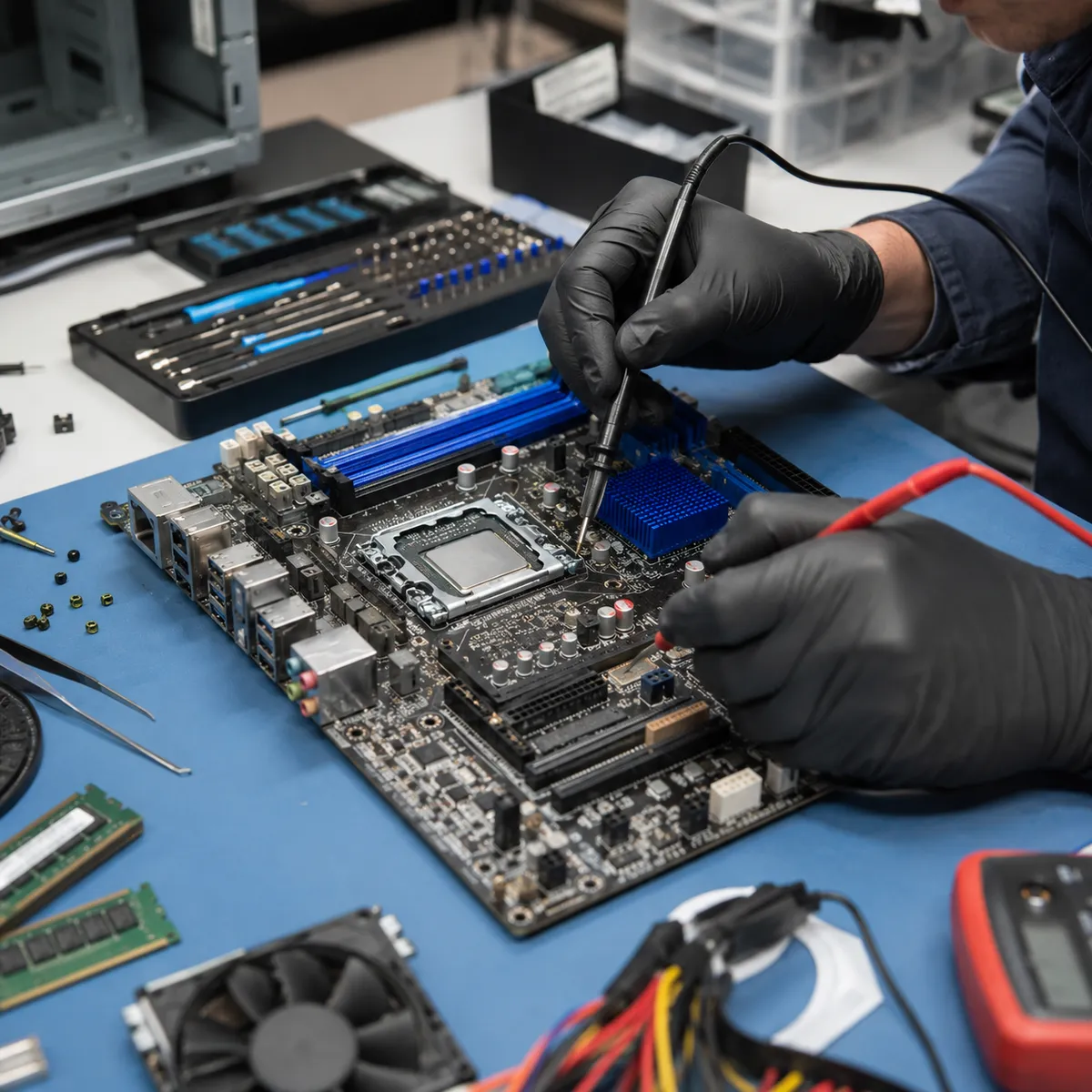
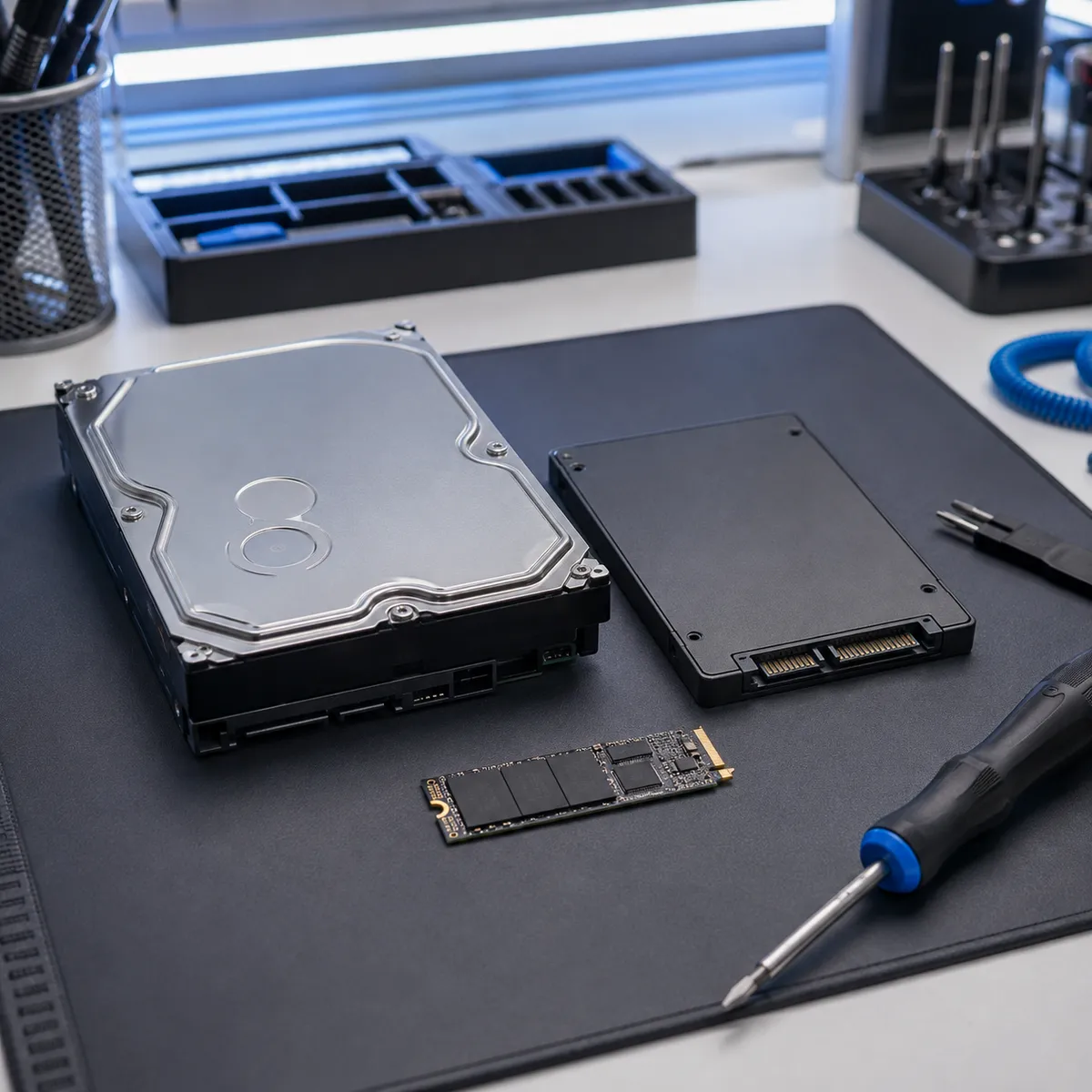
Hard Drive and SSD Problems
Storage problems are a common source of computer failure.
Mechanical hard drives can develop bad sectors, slow performance, file corruption, or mechanical issues. Solid-state drives can also fail because of controller problems, wear, firmware issues, or electrical faults.
Symptoms may include slow startup, missing files, repeated freezing, error messages, or a computer that no longer detects the drive.
If important files are stored on a device that appears to be failing, avoid unnecessary restarts or repeated repair attempts. Our Computer Repair service can identify storage-related problems, while more serious file-loss cases can be handled separately through our Data Recovery service.
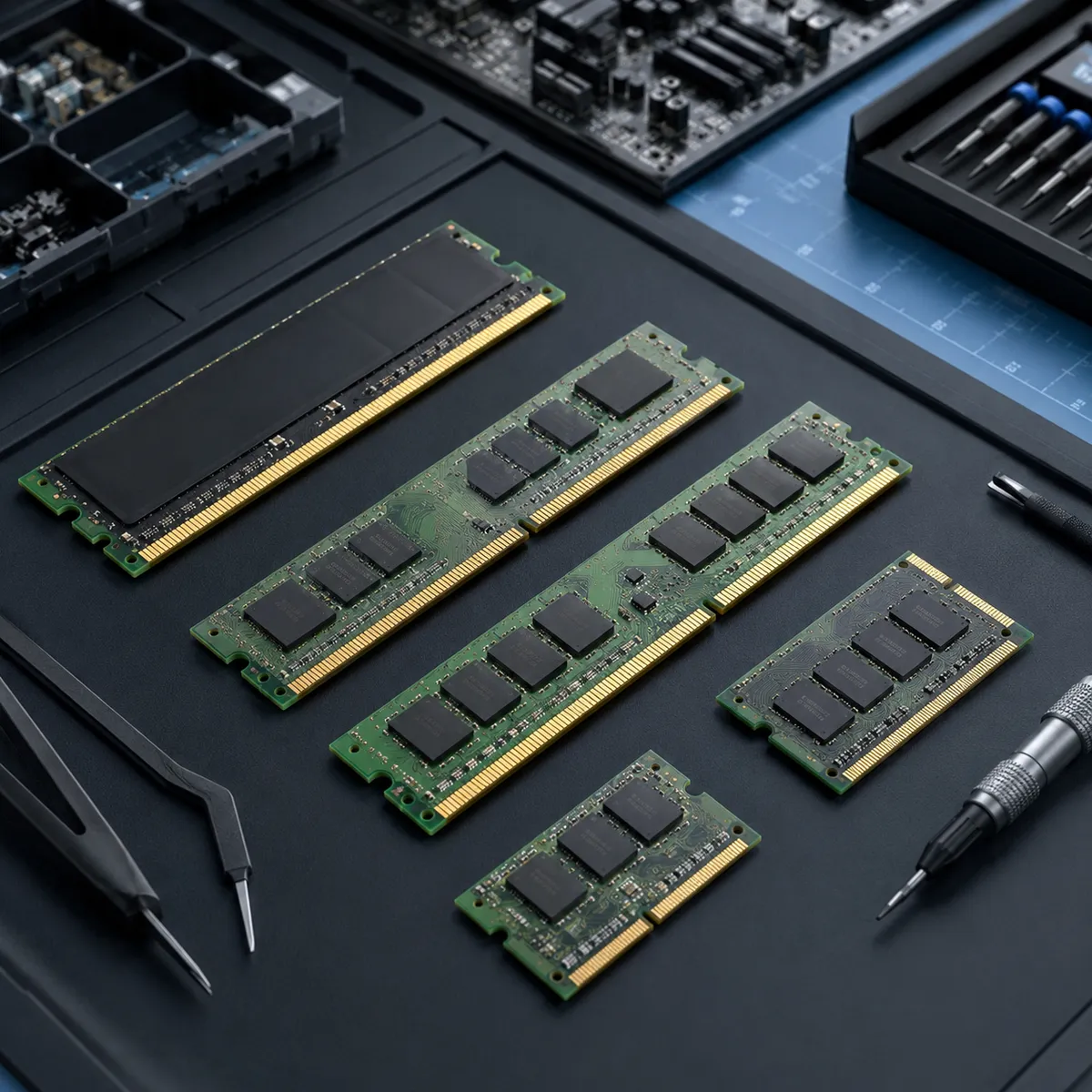
Memory and RAM Problems
Faulty or insufficient memory can cause instability, crashes, startup problems, or poor multitasking performance.
These symptoms can overlap with storage, software, and motherboard problems, so testing is important before assuming the RAM is responsible.
If the memory is healthy but no longer sufficient for how the computer is used, an upgrade may improve performance. The correct recommendation depends on the motherboard, current configuration, operating system, and workload.
Overheating and Cooling Problems
Desktop computers rely on fans, heatsinks, airflow, and thermal materials to manage heat. Dust buildup, blocked ventilation, failed fans, or other cooling problems can cause a system to run hotter than normal.
Common symptoms include loud fan noise, reduced performance, freezing, unexpected shutdowns, or excessive heat from the case.
We can inspect the cooling system and determine whether cleaning, fan replacement, or additional hardware diagnosis is needed.
PC Hardware Repair
Quick Repair and Electronics provides PC repair in NYC for common desktop hardware problems.
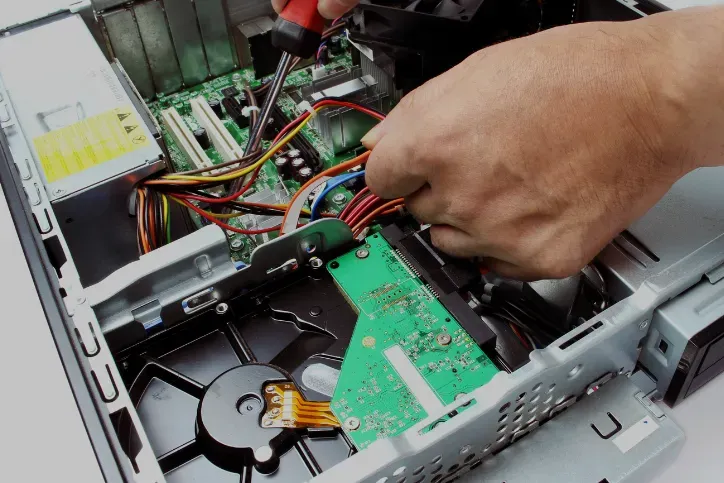
Depending on the system, potential repairs may involve the power supply, memory, storage, cooling components, internal connections, or other replaceable hardware.
For example, a computer that shuts down under load may have a temperature issue, power problem, or failing component. A desktop that will not boot may have a storage problem, memory fault, or operating-system issue. Diagnostic testing helps separate those possibilities.
Computer Upgrades
Not every slow or aging desktop needs to be replaced.
Some systems can benefit from hardware upgrades that improve everyday performance and extend useful life. Replacing an older mechanical hard drive with a compatible SSD may improve startup and file-access performance. Increasing memory may help a computer that struggles with multitasking.
However, upgrades should be evaluated in the context of the whole computer. Processor age, motherboard compatibility, operating-system requirements, existing hardware, and intended use all matter.
Software and Operating-System Problems
Not every computer problem is caused by failed hardware.
Malware, corrupted files, driver conflicts, failed updates, unwanted software, and operating-system problems can affect startup, performance, and stability.
A system that crashes or freezes may have a software issue, but similar symptoms can also come from failing storage or memory. Diagnosis should therefore look at both software and hardware.
Computer Repair and Data Recovery
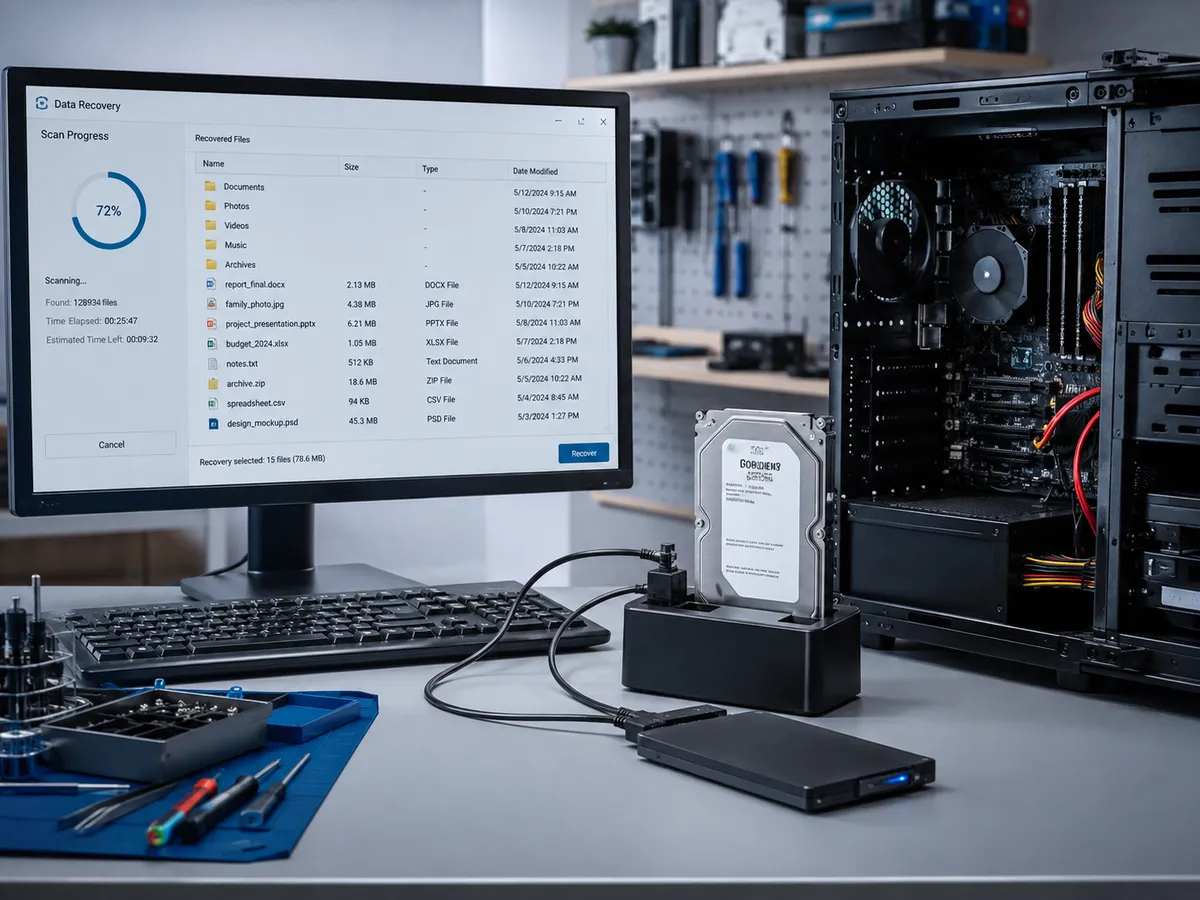
Computer repair and data recovery sometimes overlap, but they are not the same service.
Computer repair focuses on restoring the machine itself to reliable operation. Data recovery focuses on retrieving important files from damaged, failing, or inaccessible storage.
If a computer will not boot and important files are involved, tell us before repair work begins. The priority may be to protect the data before attempting broader system repairs.
Repair or Replace Your Computer?
A failed desktop does not automatically need replacement.
Whether repair makes sense depends on the computer's age, overall condition, hardware specifications, software compatibility, repair required, and how the system is used.
A computer with one failed component may still have useful life remaining. An older system with multiple hardware problems may be less practical to repair extensively.
We can explain what we find so you can decide based on the actual condition of the machine.
Local Computer Repair in the East Village
Quick Repair and Electronics provides local computer repair in NYC from our East Village location.
Bringing the desktop or PC to a local repair shop allows the system to be tested directly.
If possible, tell us whether the issue started suddenly, whether the computer was moved or damaged, whether it has been overheating, and whether you have seen error messages or unusual noises.
Get Your Computer Checked
If your desktop is slow, crashing, overheating, failing to start, or showing signs of hardware or storage problems, Quick Repair and Electronics can help determine the next step.
Bring your system to our East Village shop for professional computer repair in NYC. Our team can evaluate the computer, explain what we find, and discuss the repair or upgrade options that make sense for the machine.
Contact Quick Repair and Electronics or request a repair appointment to get started.
Tell Us What You Need Repaired
Make An Appointment
Quick Links



Our certified technicians are committed to quality, honesty, and customer satisfaction.
© 2026 All Rights Reserved by Quick Repair and Electronics | Privacy & Policy | Terms & Condition