
Laptop Repair NYC


Professional Laptop Repair in NYC
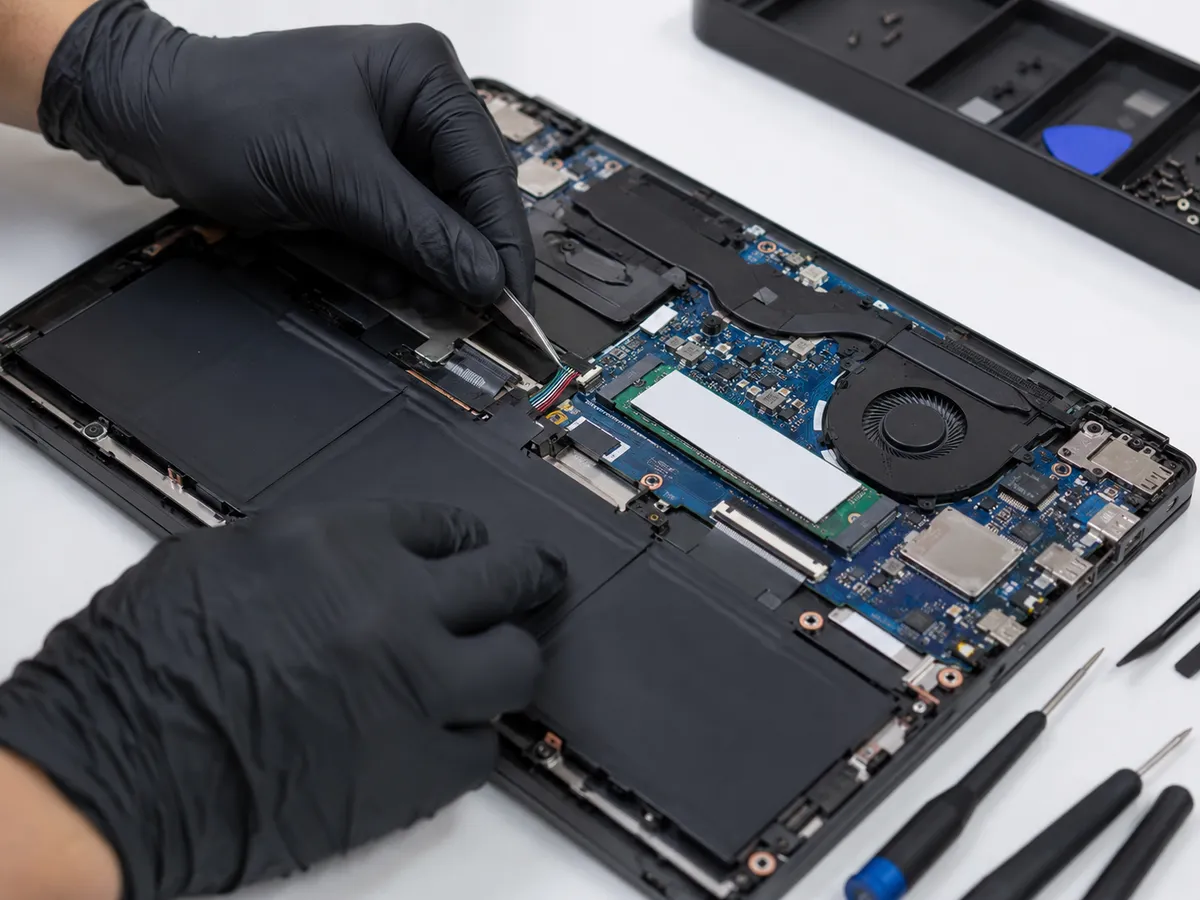
Laptops combine many components into a compact design, which can make troubleshooting more complex than it appears.
A laptop that will not power on may have a battery problem, charging issue, motherboard fault, or damaged power connector. A black screen can be caused by the display, display cable, graphics hardware, memory, or another internal component. Slow performance may be linked to storage, overheating, software activity, or insufficient memory.
Because several problems can produce similar symptoms, proper diagnosis is important.
Our approach to laptop repair in NYC focuses on identifying the likely source of the issue before recommending replacement parts or other repair work.
Laptop Screen Repair
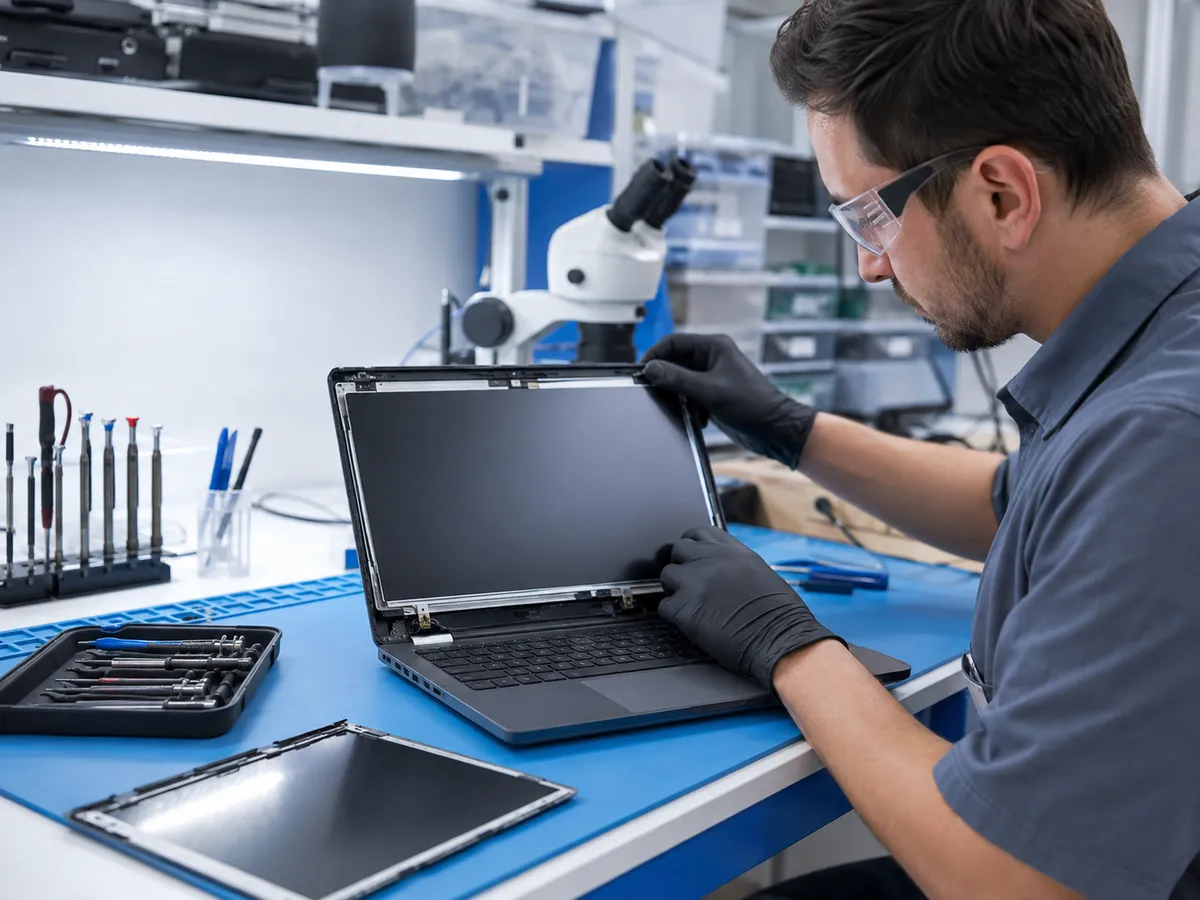
Laptop screens can be damaged by drops, pressure, impacts, or hinge problems.
Common symptoms include:
1. Cracked or broken displays
2. Black spots
3. Vertical or horizontal lines
4. Flickering
5. Dim backlighting
6. Distorted colors
7. Black Screen
A laptop with no visible image does not always have a failed screen. The display cable, graphics system, memory, or other hardware may also be involved.
Testing the laptop helps determine whether the display assembly needs replacement or whether the problem is coming from another component.
Laptop Battery Replacement
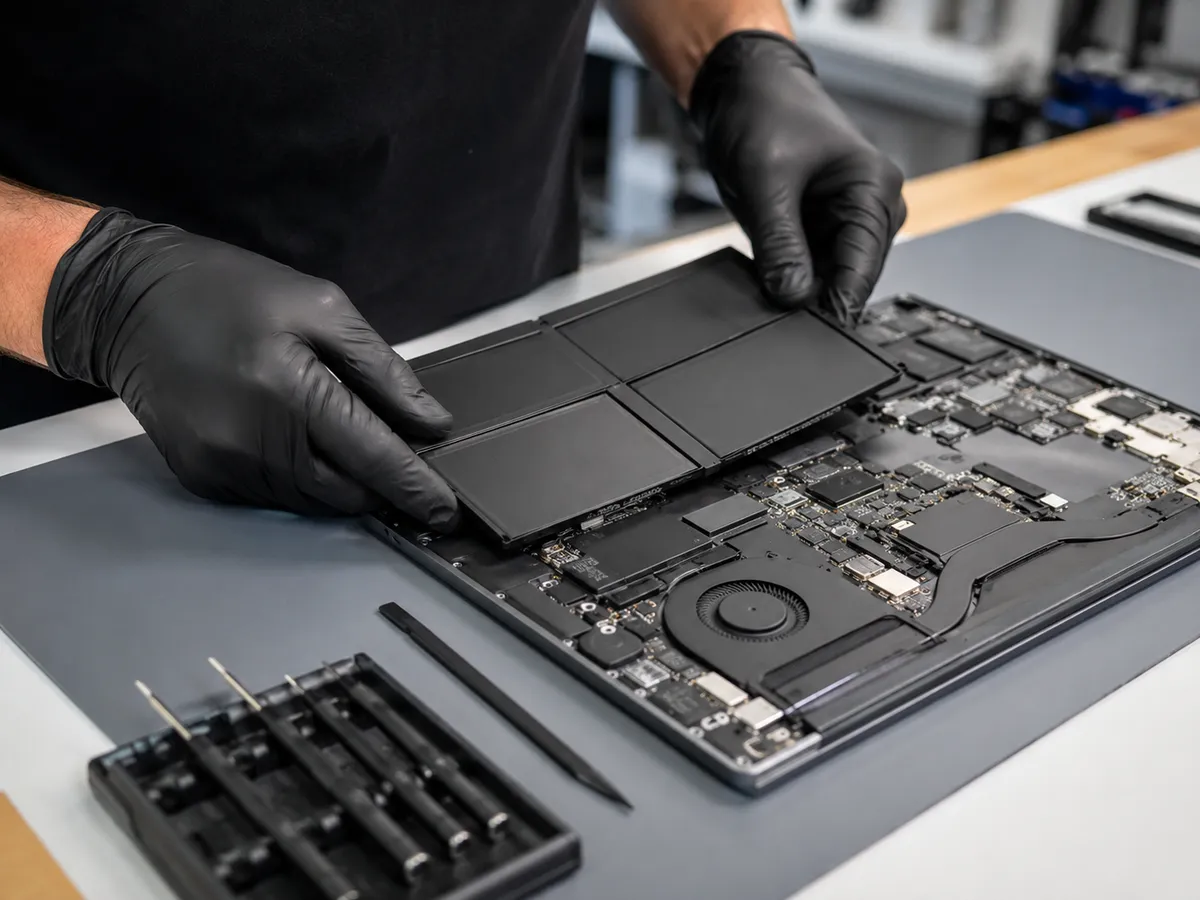
Laptop batteries naturally lose capacity over time.
A worn battery may cause the laptop to run for a much shorter period than before, shut down unexpectedly, refuse to hold a charge, or only work when connected to a power adapter.
Battery-related symptoms can overlap with charging-system or power-management problems, so checking the device first is important.
Quick Repair and Electronics can inspect the laptop and determine whether laptop battery replacement is appropriate.
If the battery appears swollen, stop using the device and have it checked. A swollen battery may push against the trackpad, keyboard, or case and should not be punctured, compressed, or forced back into place.
Laptop Charging Port Repair
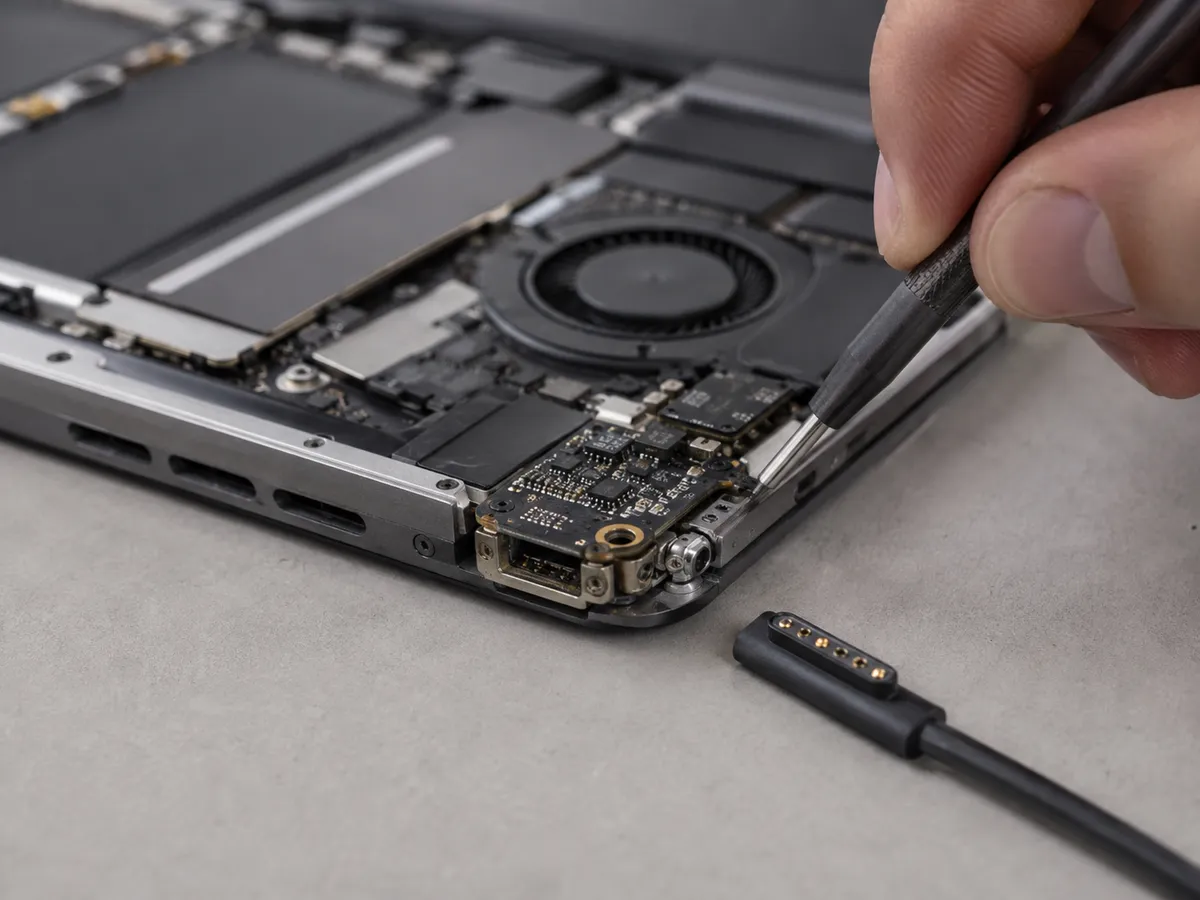
A laptop that charges only when the cable is held at a certain angle, repeatedly disconnects from power, or fails to recognize the adapter may have a charging problem.
The issue could involve the charging port, power adapter, battery, internal connection, or another component in the power system.
Some laptops use traditional DC charging connectors, while others rely on USB-C power delivery. The repair approach depends on the design of the specific model.
Our technicians can evaluate the charging system and determine whether laptop charging port repair, battery service, or further diagnosis is needed.
Laptop Keyboard and Trackpad Repair
Keyboard and trackpad problems can develop because of normal wear, liquid exposure, physical damage, debris, or internal connection issues.
Individual keys may stop responding, type repeatedly, or feel loose. The trackpad may become unresponsive, difficult to click, or inconsistent.
In some cases, a swollen battery underneath the palm-rest area can affect trackpad operation. If the trackpad begins lifting or becomes unusually difficult to press, avoid forcing it.
Testing the device helps determine whether the fault involves the keyboard, trackpad, battery, cable, or another internal component.
Broken Laptop Hinges
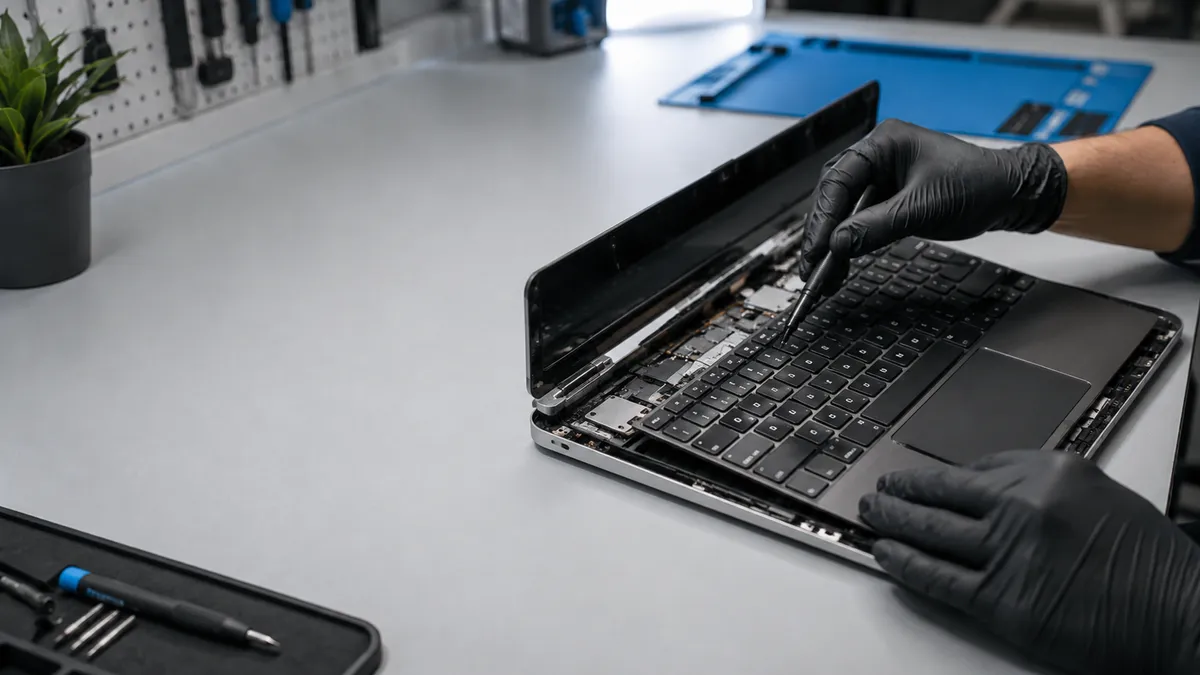
Laptop hinges experience mechanical stress every time the device is opened and closed.
A damaged hinge may become stiff, loose, or separated from the laptop housing. Customers may hear cracking sounds, see the screen frame lifting, or notice part of the case separating near the hinge.
Continuing to open and close a damaged laptop can increase stress on the display, cables, and surrounding plastic or metal structure.
If the hinge feels unstable or the case begins separating, have the laptop inspected before the damage becomes more extensive.
Laptop Overheating
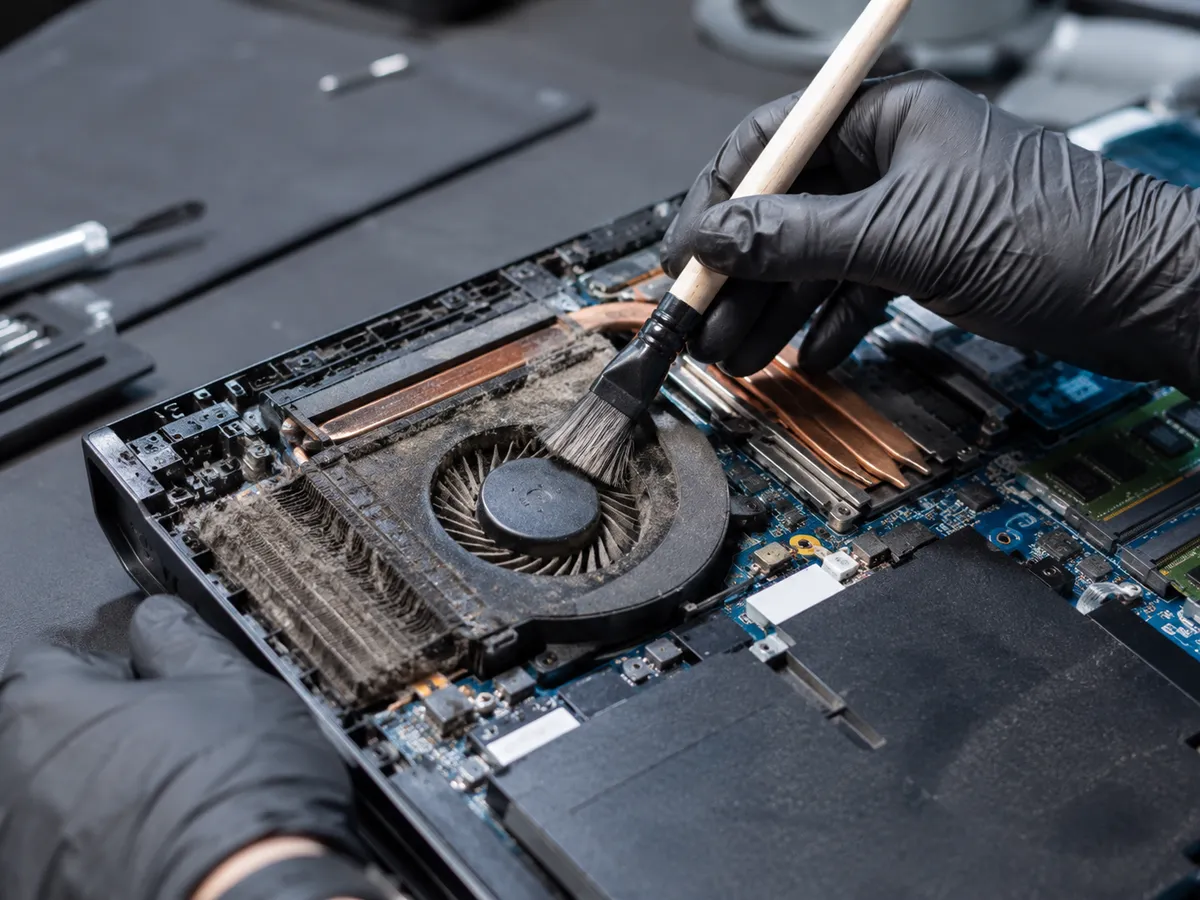
Laptops rely on small fans, heat sinks, ventilation paths, and thermal materials to manage heat inside a compact chassis.
Dust buildup, blocked airflow, failing fans, or cooling-system problems can cause the laptop to run hotter than normal.
Common signs of overheating include loud fan noise, reduced performance, freezing, sudden shutdowns, and excessive heat around the keyboard or underside of the device.
Using a laptop on soft surfaces can also restrict airflow.
Quick Repair and Electronics can inspect the cooling system and determine whether cleaning, fan replacement, or further hardware diagnosis is appropriate.
Slow Laptop Repair
A slow laptop does not automatically need replacement.
Performance issues can be caused by low storage space, excessive background activity, malware, overheating, insufficient memory, or a failing storage drive.
A laptop that suddenly becomes much slower than usual should be checked, especially if the change is accompanied by freezing, file errors, unusual noises, or long startup times.
Our technicians can evaluate both hardware and software factors and explain whether repair, cleanup, storage replacement, or an upgrade may help.

Laptop Hard Drive and SSD Problems
Laptop storage devices hold the operating system, applications, and personal files.
When a hard drive or SSD begins failing, the system may become slow, freeze repeatedly, fail to boot, display storage errors, or lose access to files.
Mechanical hard drives may sometimes make unusual clicking or grinding sounds. SSD failures can occur without the same audible warning.
If important files are stored on a laptop that appears to have a failing drive, avoid unnecessary restarts or repeated repair attempts. Data recovery may become more important than getting the laptop to boot temporarily.
Laptop Upgrades
Some laptops can benefit from hardware upgrades.
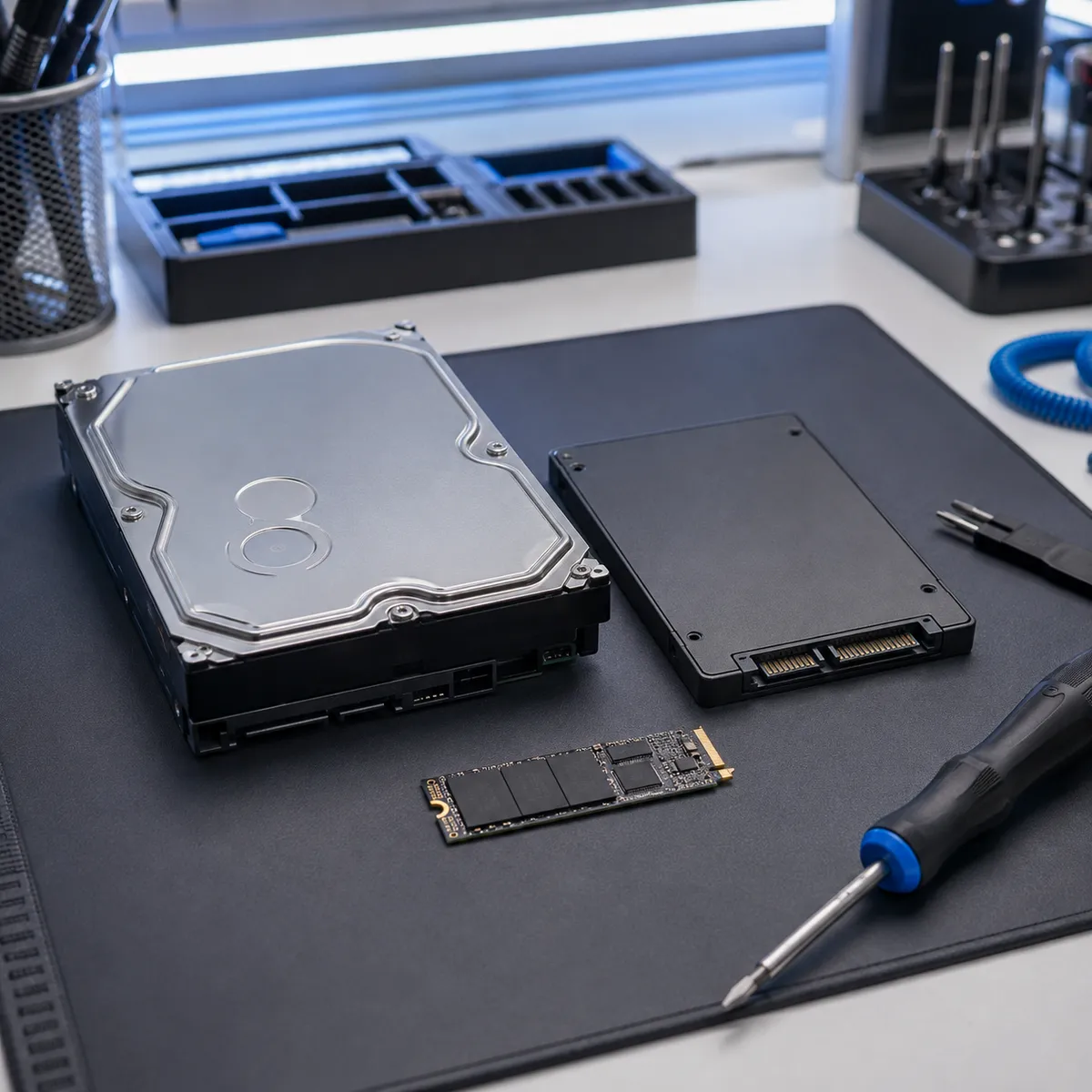
Replacing an older mechanical hard drive with a compatible SSD can improve startup and file-access performance. Additional memory may help systems that struggle with multitasking.
Not every laptop is equally upgradeable. Some models use memory or storage components that are integrated directly into the motherboard.
Before recommending an upgrade, we consider the model, existing hardware, compatibility, age, and how the laptop is used.
Laptop Liquid Damage
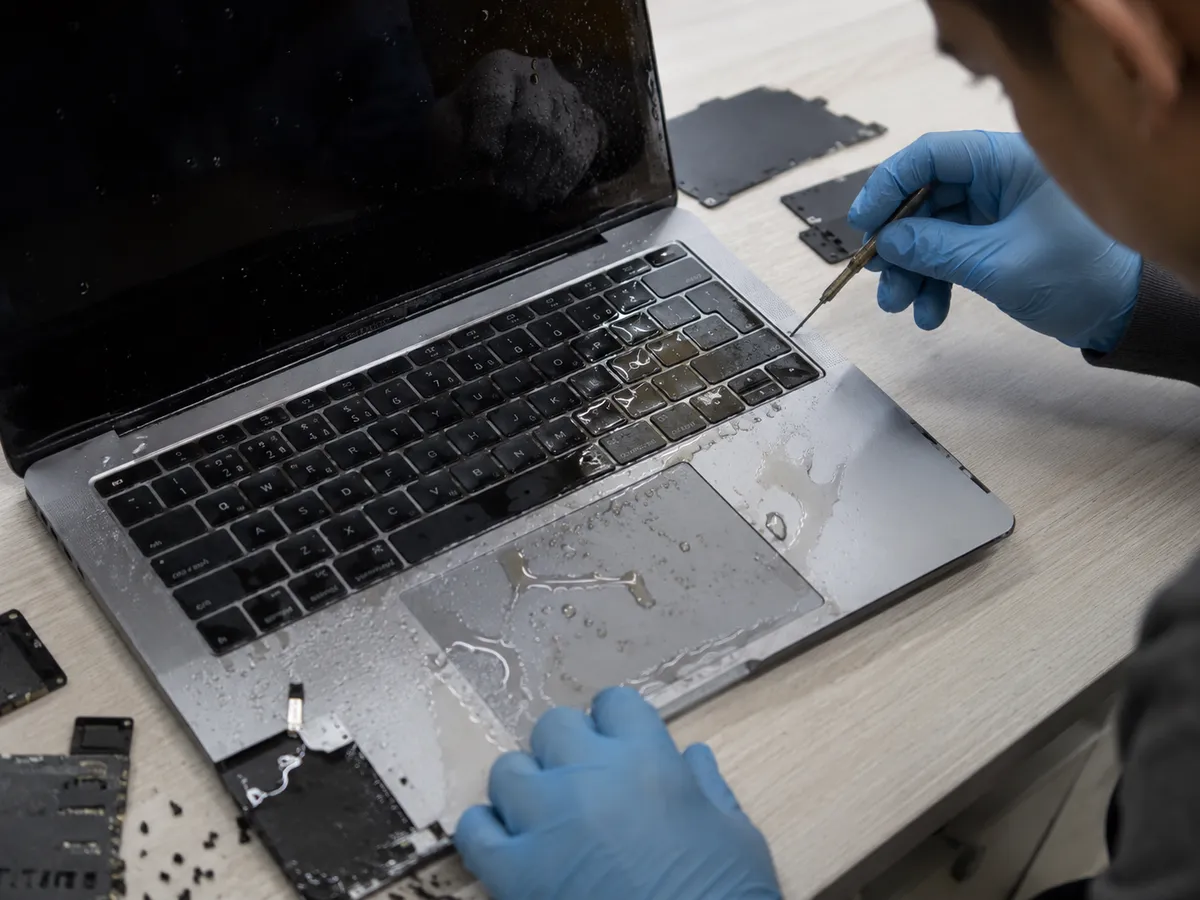
Liquid spills can affect keyboards, trackpads, charging systems, batteries, motherboards, and other internal components.
A laptop may continue working immediately after a spill and develop problems later as corrosion progresses.
If significant liquid enters the device, disconnect the charger and avoid repeatedly turning the laptop on to test it.
The extent of repair depends on where the liquid reached and which components were affected.
Laptop Repair Versus MacBook Repair
Our laptop repair NYC service is focused on general Windows and PC laptops.
MacBook Repair is handled separately because Apple laptops use model-specific hardware designs, components, repair procedures, and internal layouts.
Keeping the services separate allows each page to target the correct search intent without competing unnecessarily.
Local Laptop Repair in the East Village
Quick Repair and Electronics provides local laptop repair in NYC from our East Village shop.
Bring the laptop and, when possible, its charger so the power system can be tested if charging is part of the issue.
Tell us whether the problem started after a drop, spill, update, overheating event, or gradual decline in performance. Those details can help narrow down the cause.

Get Your Laptop Checked
If your laptop has a cracked screen, weak battery, charging problem, broken hinge, keyboard issue, overheating problem, storage fault, or another hardware concern, Quick Repair and Electronics can help determine the next step.
Visit our East Village location for professional laptop repair in NYC. Our team can inspect the device, explain what we find, and discuss the repair or upgrade options that make sense for your laptop.
Contact Quick Repair and Electronics or request a repair appointment to get started.
Tell Us What You Need Repaired
Make An Appointment
Quick Links



Our certified technicians are committed to quality, honesty, and customer satisfaction.
© 2026 All Rights Reserved by Quick Repair and Electronics | Privacy & Policy | Terms & Condition