Hard Drive Clicking and Not Showing Up? | Quick Repair NYC
Why Is My Hard Drive Clicking and Not Showing Up?
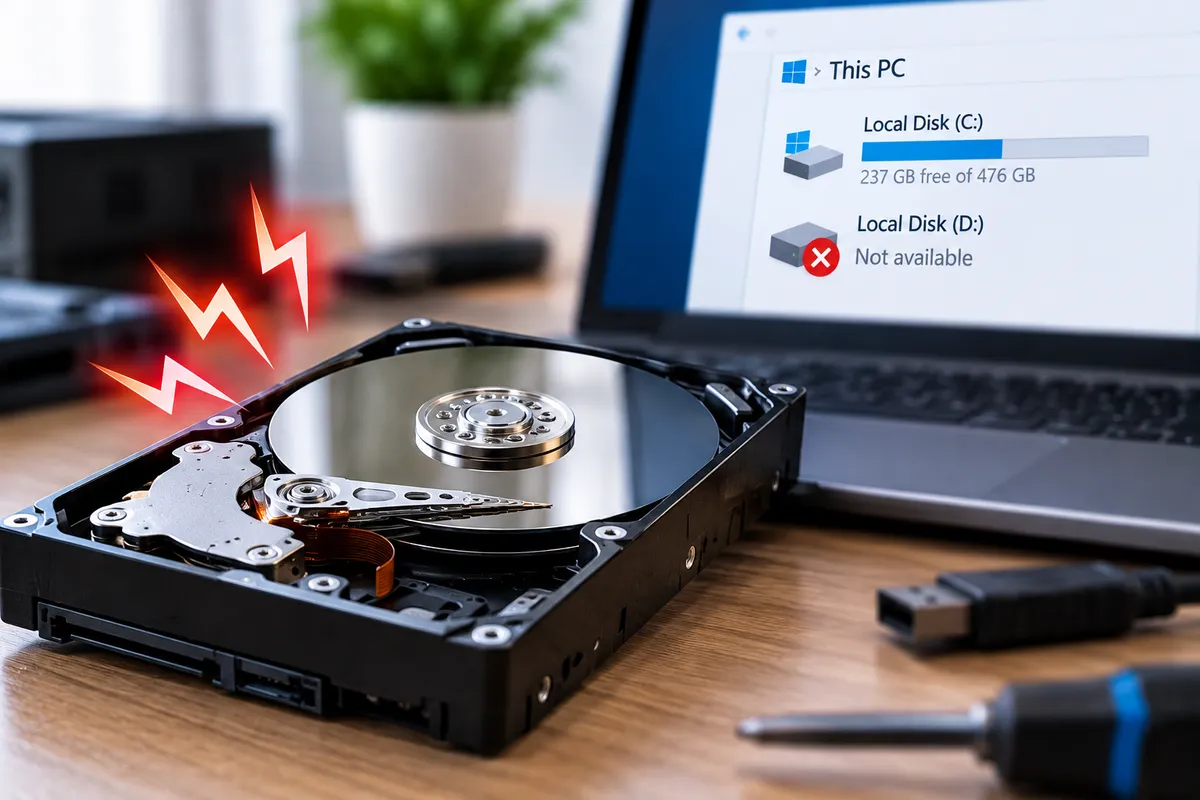
A hard drive that starts clicking and then disappears from your computer should be treated carefully. The sound may indicate that the drive is struggling to read data, initialize correctly, or position its internal components. If the files on the drive matter, repeated attempts to make it work can sometimes make recovery more difficult.
Quick Repair and Electronics provides data recovery in East Village, NYC for inaccessible hard drives, external drives, SSDs, and computers that no longer boot normally. A clicking mechanical drive is different from a simple USB connection problem, so the safest next step depends on what the device is doing and how important the stored data is.
Why Do Mechanical Hard Drives Click?
Traditional hard disk drives contain spinning platters and moving read/write heads. During normal operation, the drive positions those heads precisely over the platter surfaces to access data.
Clicking can occur when the drive repeatedly tries to position the heads or initialize and fails. Causes can include head damage, platter problems, motor issues, firmware faults, power instability, or other mechanical failure.
Not every sound means catastrophic damage, but a new repeated click, knock, or rhythmic reset sound should be taken seriously, especially when the drive is no longer detected.
Why Is the Hard Drive Not Showing Up?
A drive can disappear for reasons that range from simple connection issues to serious hardware failure.
Possible causes include a damaged USB cable, failed external enclosure, insufficient power, bad SATA connection, corrupted partition information, controller failure, or mechanical damage inside the drive.
If the drive is clicking at the same time, physical failure becomes more concerning than a simple software problem. The absence of a drive letter does not tell you whether the data is gone; it only tells you the operating system is not presenting the storage normally.
Try the Connection Once, Not Over and Over
If the drive is external, checking the cable and power source once is reasonable. You can try another known-good USB cable or port if the drive is not making abnormal mechanical noises.
However, if the drive clicks repeatedly, disappears, spins up and down, or becomes very slow, avoid cycling power again and again.
Each startup attempt asks the drive to operate mechanically. If an internal component is damaged, repeated use can increase wear or reduce the chance of recovering files cleanly.
Do Not Format or Initialize the Drive
Windows or another operating system may prompt you to initialize or format a drive that it cannot read properly. Do not approve that prompt if the storage contains files you need.
Formatting changes the drive’s file-system structures and can complicate recovery. The same caution applies to creating new partitions or writing new data to the affected device.
The priority should be understanding why the drive is inaccessible before making changes to it.
Should You Run CHKDSK or Repair Utilities?
File-system repair tools can be useful in some logical corruption cases, but they are not a good first choice for a mechanically failing drive.
CHKDSK and similar utilities read and write to the storage while attempting repairs. If the drive is unstable, clicking, or disconnecting, that workload may place additional stress on it.
When important data is involved, recovery and preservation should come before attempts to repair the file system in place.
Can a Clicking Hard Drive Still Be Recovered?
Sometimes. Recovery depends on the type of failure, the condition of the platters, the state of the read/write heads, previous recovery attempts, and whether the drive has continued running while damaged.
Some cases are caused by the enclosure or connection rather than the internal drive. Other cases require specialized evaluation because the mechanical components themselves have failed.
No responsible service can guarantee that every clicking drive will be recoverable. The realistic approach is to inspect the storage, determine the likely failure, and explain the available options.
What If the Drive Contains the Operating System?
If the internal boot drive is failing, the computer may freeze during startup, show repair screens, take a very long time to load, or stop booting altogether.
A computer that no longer starts does not automatically mean the motherboard or Windows installation is the main problem. Storage failure can create many of the same symptoms.
Our computer repair in NYC service can help determine whether the issue is the drive itself or another part of the computer. If the files are more important than restoring the machine, tell us that before repair work begins.
External Hard Drive Enclosures Can Fail Too
External drives add another layer of hardware between the disk and the computer. The USB-to-SATA bridge, enclosure electronics, connector, or power adapter can fail while the internal drive remains readable.
That is why diagnosis matters. A drive that is silent and undetected may have a different problem from one that makes repeated mechanical clicks.
Opening some external enclosures can also affect warranty coverage or damage the casing, so avoid unnecessary disassembly if the data is important.
What Should You Do If the Data Is Important?
Stop using the drive if it is making new clicking, grinding, scraping, or repeated spin-up sounds. Disconnect it safely and avoid experimenting with multiple recovery applications.
Do not freeze the drive, tap it, open the sealed hard-drive casing, or try internet tricks intended to temporarily revive damaged hardware. Mechanical drives operate with extremely small internal tolerances, and contamination or impact can make the situation worse.
Write down what happened before the failure, whether the drive was dropped, and whether any recovery software has already been used. That history can help during evaluation.
How Is This Different From an SSD Failure?
Solid-state drives have no moving read/write heads or spinning platters, so an SSD itself does not produce the classic mechanical clicking associated with a hard disk drive. SSD failures can still cause a computer to stop detecting storage, freeze, show file errors, or refuse to boot.
If you hear clicking from a device you believe contains an SSD, the sound may be coming from another component, an external enclosure, or a different mechanical drive inside the computer.
This distinction matters because recovery methods differ by storage technology. The correct first step is identifying exactly which device is failing and whether the problem is mechanical, electronic, logical, or related to the connection.
Hard Drive Data Recovery in East Village, NYC
A clicking drive that no longer appears normally can indicate connection trouble, enclosure failure, firmware problems, or internal mechanical damage. The combination of unusual noise and missing storage should be treated differently from ordinary software errors.
Quick Repair and Electronics provides professional data recovery in NYC for supported hard drives and other storage devices.
If the files matter, limit unnecessary power cycles and bring the drive in for evaluation. Tell us what sound it is making, whether it was dropped or exposed to liquid, and what the computer currently shows. We can assess the situation and explain the next step based on the condition of the drive.