
Data Recovery NYC


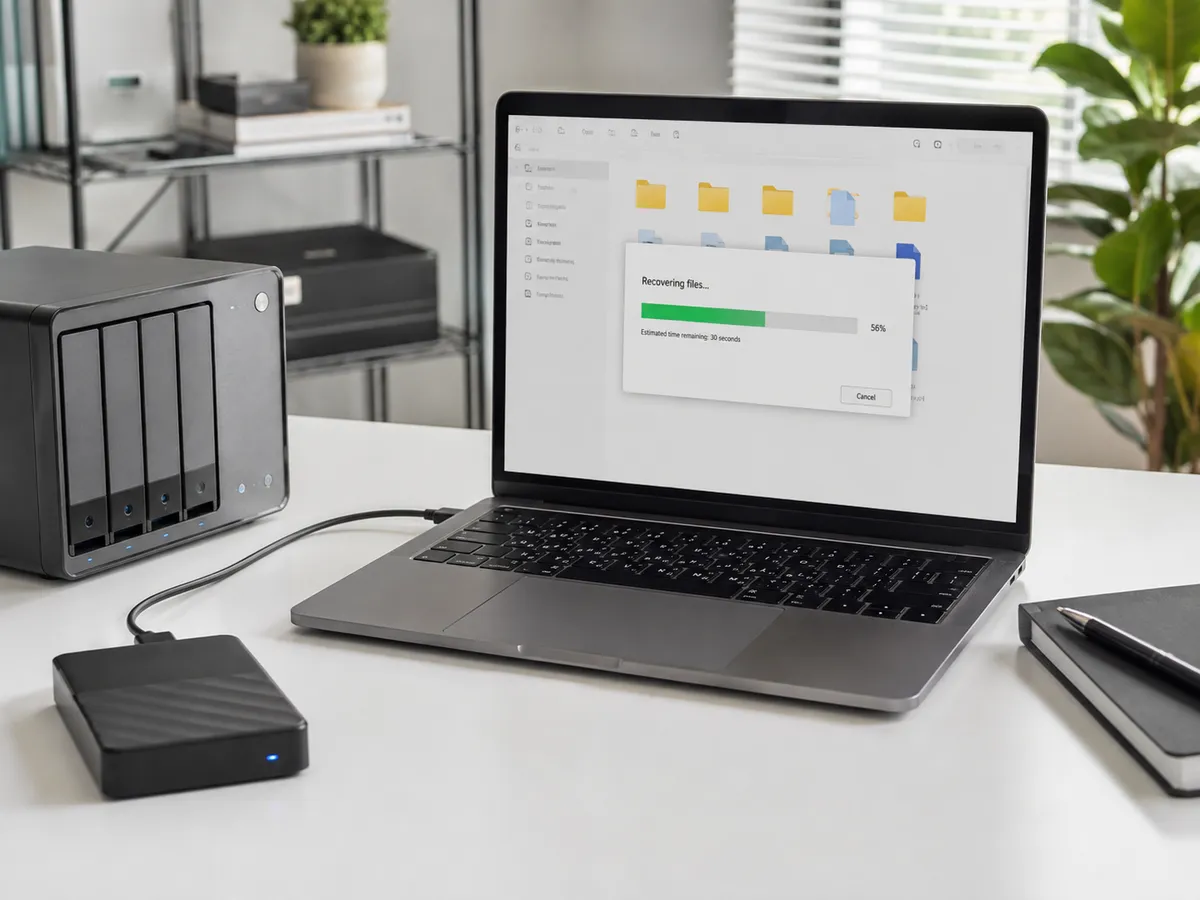
Professional Data Recovery in NYC
Data loss can happen for many reasons.
Some problems are logical, meaning the storage device may still function physically but the file system, operating system, partition, or data structure has become damaged.
Other failures involve the physical storage hardware itself.
Common causes of data loss include:
1. Hard drive failure
2. SSD failure
3. Accidental file deletion
4. File-system corruption
5. Operating-system problems
6. Power-related damage
7. Liquid exposure
8. Physical impact
9. External drive failure
10. Computers that no longer boot
The symptoms can overlap, which is why proper diagnosis is important before attempting multiple recovery methods.
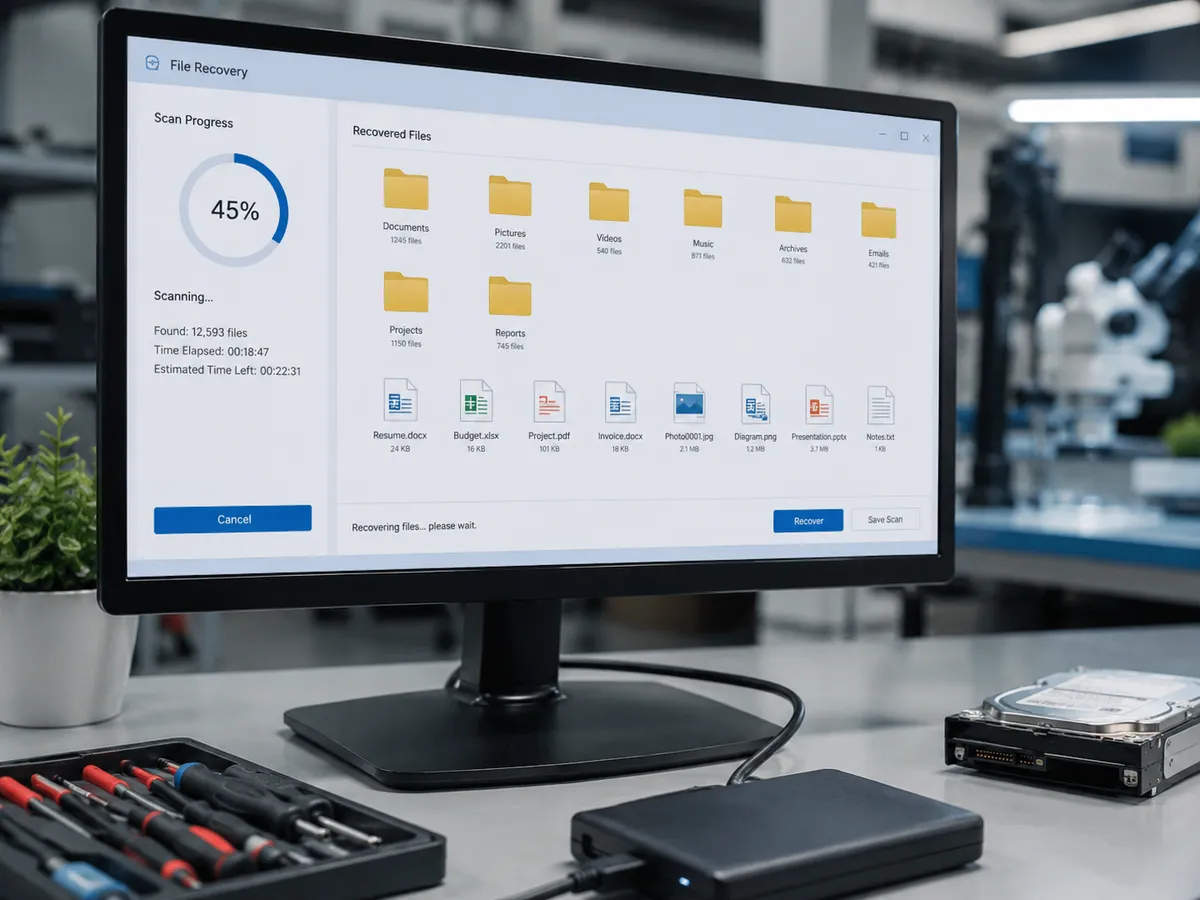
Hard Drive Data Recovery
Traditional hard disk drives contain moving mechanical components that read and write data.
As these drives age or become damaged, they can develop problems such as slow file access, freezing, file corruption, startup errors, unusual noises, or complete loss of detection.
A failing mechanical drive may sometimes click, grind, or repeatedly spin up and stop.
If a hard drive begins making unusual mechanical sounds, repeatedly powering it on can increase the risk of further damage.
Quick Repair and Electronics can evaluate hard drive data recovery in NYC situations and determine whether the issue appears to involve the drive itself, the computer, the connection, or another component.
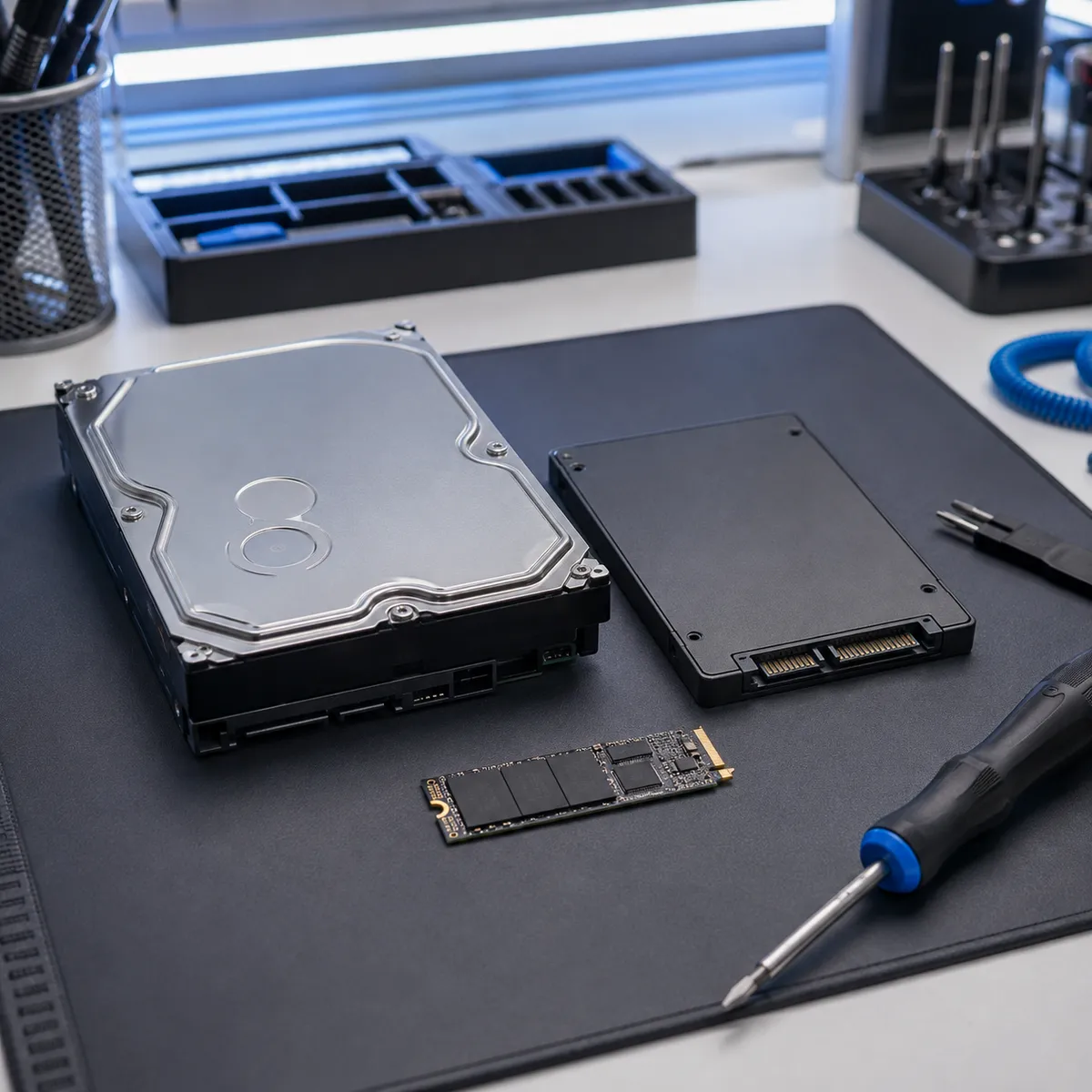
SSD Data Recovery
Solid-state drives do not use the same moving components as hard drives, but they can still fail.
Possible causes include controller problems, memory wear, firmware faults, electrical damage, or file-system corruption.
An SSD may suddenly stop appearing in the operating system, become inaccessible, cause startup errors, or prevent the computer from booting normally.
Because SSD failure can sometimes occur without obvious warning, important files may become inaccessible very quickly.
If a computer or external SSD stops recognizing the drive, avoid repeatedly formatting, initializing, or reinstalling data onto it before determining what happened.
Writing new information to the storage device may reduce the chances of recovering deleted or damaged files.
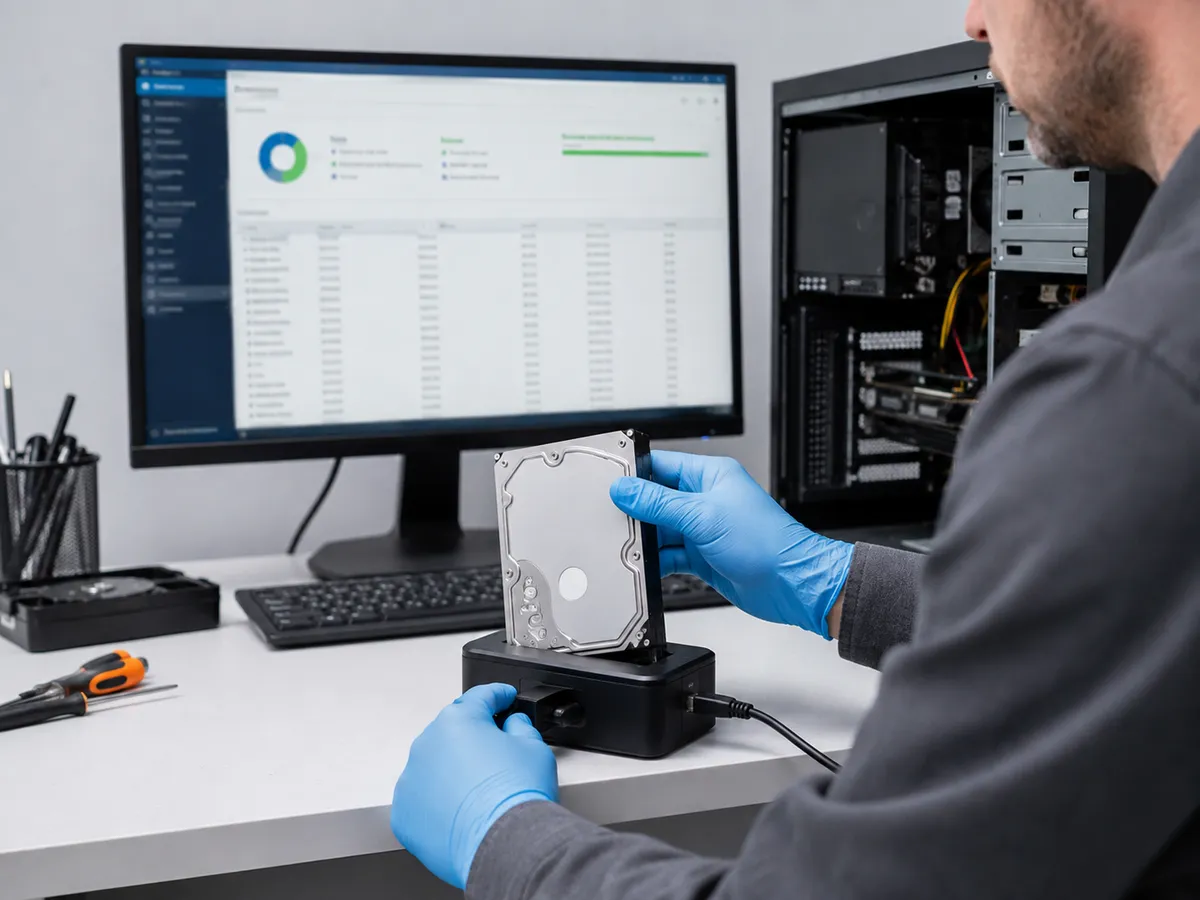
Computer Data Recovery
A computer that will not start does not necessarily mean the data is gone.
The problem may involve the motherboard, power supply, operating system, display, or another component while the storage drive remains readable.
That is why computer data recovery and general computer repair should be approached differently.
Computer repair focuses on restoring the machine itself to reliable operation. Data recovery focuses on protecting or retrieving the information stored on the device.
If important files are the priority, tell us before repair work begins. In some situations, attempting to make the computer boot repeatedly may not be the best first step.
External Hard Drive Data Recovery
External hard drives are commonly used for backups, photos, work files, media libraries, and transferring large amounts of data.
These drives can develop problems after being dropped, disconnected improperly, exposed to power issues, or simply through normal wear.
Sometimes the external enclosure, USB cable, or connector is responsible rather than the storage device itself.
Other times, the internal hard drive has failed.
Testing helps determine whether the problem involves the connection or the underlying storage hardware.
If an external drive repeatedly disconnects, becomes unusually slow, or begins making abnormal noises, stop unnecessary use until it can be inspected.
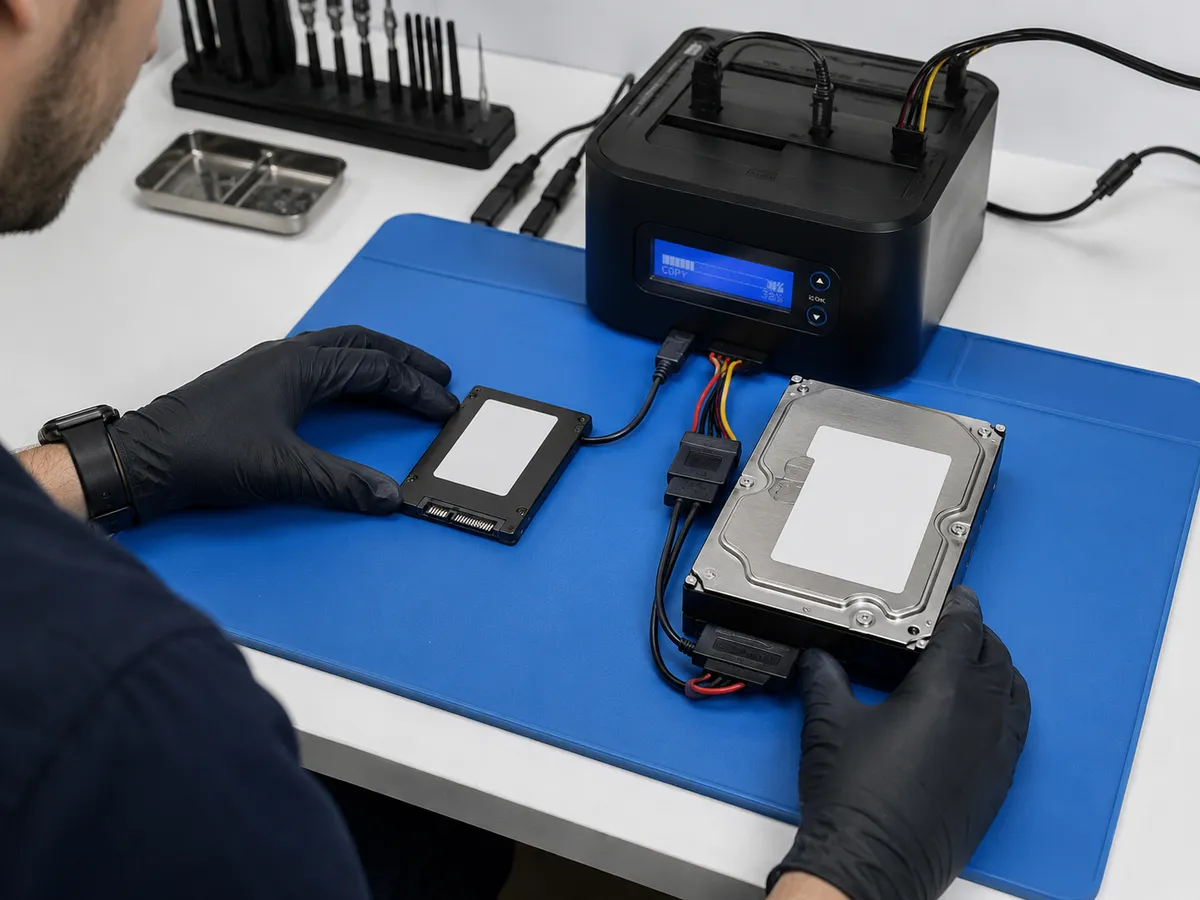
Deleted Files and Accidental Data Loss
Accidentally deleting a file does not always mean the information disappears from the storage device immediately.
In many cases, the operating system marks the space as available to be overwritten.
That means continuing to save files, install programs, download data, or use the affected drive may reduce the chances of recovering deleted information.
If you accidentally delete important files, limiting activity on the device is usually safer than continuing normal use.
The same principle applies when a partition disappears or a drive suddenly appears empty.
What Not to Do After Data Loss
When files disappear, it is tempting to try every repair option available online.
Some actions can make the problem worse.
Avoid formatting a drive simply because the computer says the device must be formatted before use.
Do not install recovery software onto the same storage device containing the missing files.
Avoid repeatedly running repair utilities if the drive appears physically unstable.
Do not open a mechanical hard drive yourself. Hard drives contain sensitive internal components that can be damaged further by contamination or improper handling.
If the drive is making clicking, grinding, or other unusual noises, repeated power cycles may create additional risk.
Water-Damaged Storage Devices
Liquid exposure can affect laptops, computers, external drives, and other storage devices.
Sometimes the computer itself is damaged while the storage device remains recoverable. In other cases, moisture or corrosion reaches the drive or storage components directly.
If a device has been exposed to significant liquid, avoid repeatedly powering it on to see whether it still works.
Tell us about the liquid exposure when you bring the device in because that history can affect how the system should be evaluated.
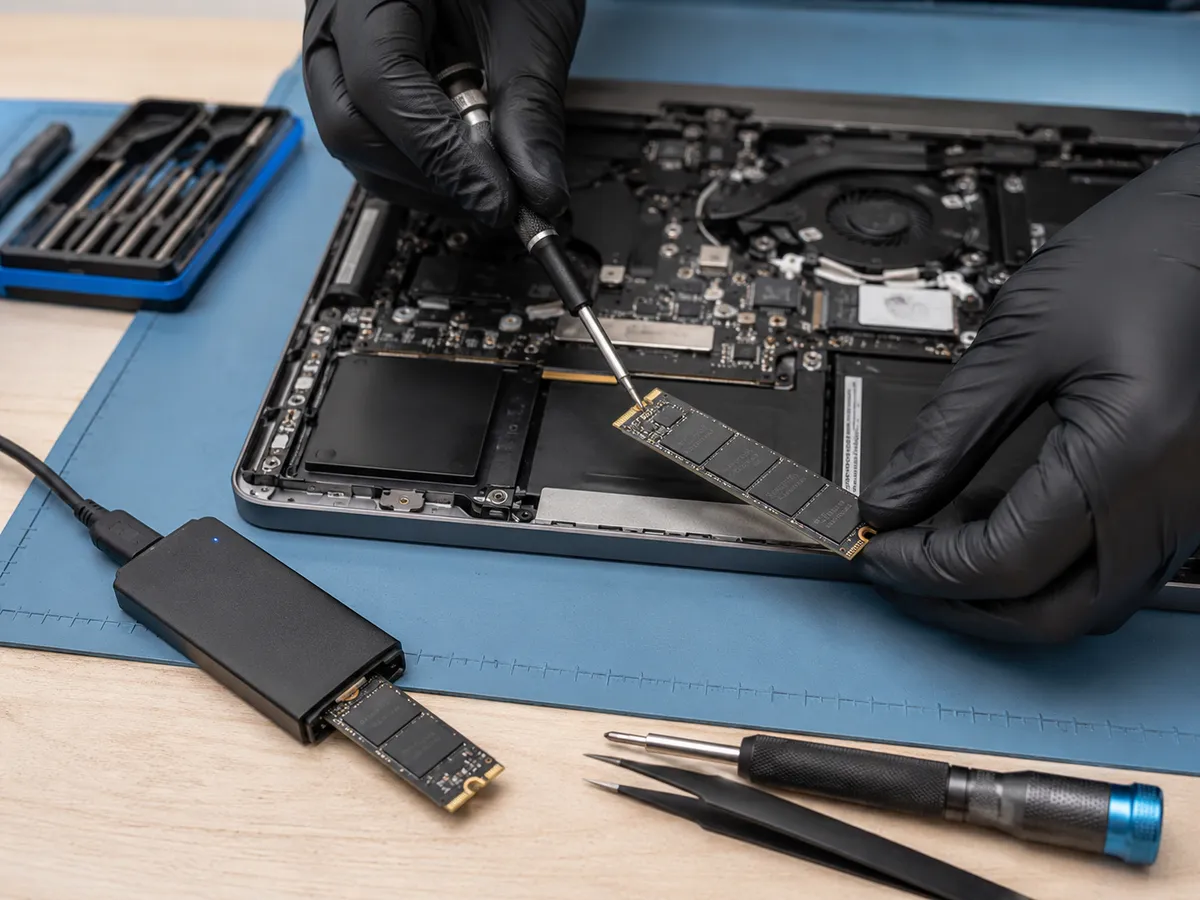
Is Data Recovery Guaranteed?
No responsible data recovery service should guarantee that every file can be recovered.
Recovery depends on the type of storage, nature of the failure, physical condition of the device, previous recovery attempts, whether files have been overwritten, and the extent of any internal damage.
Some cases are straightforward because the storage remains healthy and the problem exists elsewhere in the computer.
Other situations involve damaged or failing media that require more careful evaluation.
Our goal is to assess the problem realistically and explain the available options based on what we find.
Protecting Your Files After Recovery
The best protection against future data loss is having more than one copy of important files.
Business documents, personal photos, schoolwork, financial records, and other irreplaceable information should ideally be backed up to another storage device, an appropriate cloud backup solution, or both.
No storage device lasts forever.
Hard drives, SSDs, computers, and external storage can all fail unexpectedly.
A consistent backup routine can reduce the impact of hardware failure and make future recovery situations less stressful.
Local Data Recovery in the East Village
Quick Repair and Electronics provides local data recovery in NYC from our East Village location.
If your hard drive, SSD, external drive, or computer has stopped giving you access to important files, bring the device in for evaluation.
Tell us what happened before the data became inaccessible, whether the device was dropped or exposed to liquid, whether it has been making unusual noises, and what troubleshooting has already been attempted.
Those details can help us understand the situation more accurately.

Get Your Storage Device Evaluated
If important files have become inaccessible, avoid unnecessary changes to the affected storage device.
Quick Repair and Electronics can evaluate hard-drive, SSD, computer, and external-storage problems and explain the next steps that make sense for your situation.
Visit our East Village shop for professional data recovery in NYC, or contact Quick Repair and Electronics to discuss the device and the symptoms you are experiencing.
Tell Us What You Need Repaired
Make An Appointment
Quick Links



Our certified technicians are committed to quality, honesty, and customer satisfaction.
© 2026 All Rights Reserved by Quick Repair and Electronics | Privacy & Policy | Terms & Condition