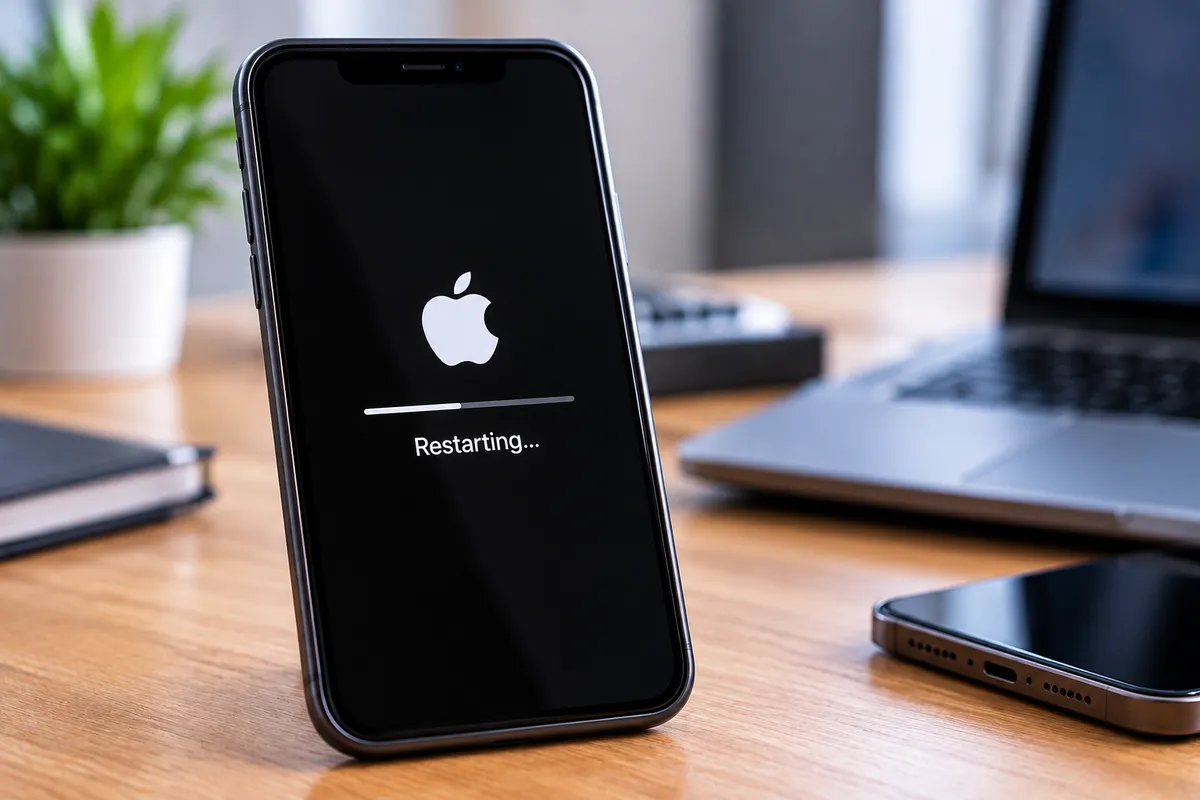
Phone Keeps Restarting by Itself? | Quick Repair NYC
Why Does My Phone Keep Restarting by Itself?
A phone that restarts once after an update is not unusual. A phone that keeps rebooting throughout the day, shuts down at random battery percentages, or gets stuck in a restart loop has a different problem. Repeated restarts can come from software crashes, battery deterioration, overheating, storage issues, liquid damage, or failing internal hardware.
Quick Repair and Electronics provides phone repair in East Village, NYC for restarting devices, battery problems, charging faults, screen issues, water damage, and other smartphone concerns. The best repair depends on when the restart happens and what symptoms appear immediately before it.
A Worn Battery Can Cause Random Restarts
Lithium-ion batteries lose capacity and electrical stability as they age. A worn battery may still show plenty of charge on the screen but be unable to deliver the power the phone needs during a sudden workload.
The result can be an unexpected shutdown followed by an automatic restart. This may happen more often during camera use, gaming, navigation, calls, or other tasks that increase power demand.
Other battery warning signs include rapid drain, large percentage drops, charging problems, heat, and shutdowns before the battery reaches zero.
Overheating Can Force a Phone to Shut Down or Restart
Phones generate heat during charging, gaming, video recording, navigation, software updates, and other intensive activity. If internal temperature becomes too high, the device may reduce performance or shut down to protect itself.
Persistent overheating can be caused by heavy background activity, a battery problem, poor signal, charging faults, or damaged hardware.
If the phone becomes unusually hot shortly before it restarts, allow it to cool naturally. Do not place it in a refrigerator or freezer, because rapid temperature changes can create condensation.
Software Crashes and Bad Updates Can Trigger Reboots
An operating-system problem or unstable application can cause repeated crashes that look like spontaneous restarts. The issue may begin after a system update, app update, or installation of new software.
Restarting the phone manually, installing legitimate follow-up updates, and removing a recently installed problem app can help in software-related cases.
However, software should not be blamed automatically. If the phone also has battery, charging, temperature, or physical-damage symptoms, hardware needs to be considered.
Low Storage Can Affect Phone Stability
Phones need free storage for temporary files, updates, application data, and normal system operations. When storage is nearly full, the device can become slow, apps may crash, updates may fail, and overall stability can decline.
Check how much free space remains and remove unnecessary downloads or backed-up media if the storage is critically low.
Freeing space will not repair a damaged battery or motherboard, but it can rule out one common software-related contributor to instability.
A Faulty Power Button Can Cause Unexpected Restarts
A damaged or sticking power button can make the phone behave as though it is being pressed repeatedly. Depending on the device, that can trigger the power menu, shut the phone down, or start a reboot sequence.
This may happen after a drop, case damage, debris around the button, or normal wear.
If the power button feels stuck, unusually sensitive, or physically different from the other buttons, mention it during diagnosis.
Charging Problems Can Also Cause Restarting
A damaged charging port, unstable cable connection, failing charger, battery fault, or internal power problem can cause a phone to lose and regain power unexpectedly.
Notice whether the restarts happen more often while the device is charging. If the cable must be held at an angle or the phone repeatedly connects and disconnects from power, the charging system should be inspected.
Avoid repeatedly forcing a damaged connector into the port, since additional mechanical stress can make the problem worse.
Can Water Damage Cause a Phone to Restart?
Yes. Liquid exposure can create corrosion or unstable electrical connections around the battery, charging system, buttons, cameras, display, or logic board.
A phone may continue working immediately after a spill and begin restarting days later as corrosion develops.
If the problem started after water, coffee, soda, or another liquid reached the device, tell the technician even if the phone appeared fine at first. That history can be important to the diagnosis.
What If the Phone Is Stuck in a Restart Loop?
A boot loop happens when the phone repeatedly starts, reaches part of the startup process, and restarts again without becoming fully usable.
Possible causes include corrupted software, a failing battery, storage problems, damaged buttons, update failure, or motherboard-level faults.
If important photos or files are stored only on the phone, avoid repeated factory resets or software restores until you understand the situation. Those actions can erase local data.
What Can You Try Before Getting the Phone Repaired?
Restart the device normally if it is still usable and check for legitimate system and app updates. Review available storage and remove a recently installed app if the problem clearly began after that installation.
Use a known-good compatible charger and pay attention to whether the restart occurs at a particular battery percentage, during charging, or under heavy use.
If the device is overheating, swollen, water-damaged, or restarting so frequently that it cannot stay on, stop troubleshooting and arrange an inspection.
Android Phones Can Restart for Model-Specific Reasons
Android devices vary widely by manufacturer, software interface, battery design, charging system, and hardware configuration. Manufacturer services and updates can create behavior that differs from one model to another.
Our Android phone repair in NYC service can help evaluate repeated restarts alongside battery, charging, display, and overheating symptoms on supported Android devices.
The important point is to diagnose the actual device rather than assume every restart has the same cause.
Should You Factory Reset a Phone That Keeps Restarting?
A factory reset should not be the first response when a phone repeatedly restarts, especially if important local data has not been backed up. Resetting erases user data and settings, and it will not repair a weak battery, damaged charging port, stuck button, liquid damage, or failing motherboard component.
A reset can be useful in selected software cases after data is protected and simpler troubleshooting has failed. Before taking that step, consider whether the phone restarts during charging, under heavy use, at a certain battery percentage, or after physical damage. Those clues may point toward hardware instead.
If the device cannot stay powered on long enough to complete a backup, professional evaluation is safer than repeatedly attempting resets that could complicate recovery.
Phone Restart Repair in East Village, NYC
Repeated phone restarts can come from an aging battery, overheating, unstable software, low storage, charging problems, button faults, liquid exposure, or internal hardware damage.
Quick Repair and Electronics provides professional phone repair in NYC for smartphones that shut down, restart, fail to charge, or behave unpredictably.
Bring the device in and tell us when the restarts started, whether the phone was recently updated or dropped, what battery percentage it shows, and whether it becomes hot or restarts while charging. Those details can help narrow down the cause so the next step is based on the actual problem rather than guesswork.