
Android Phone Repair NYC


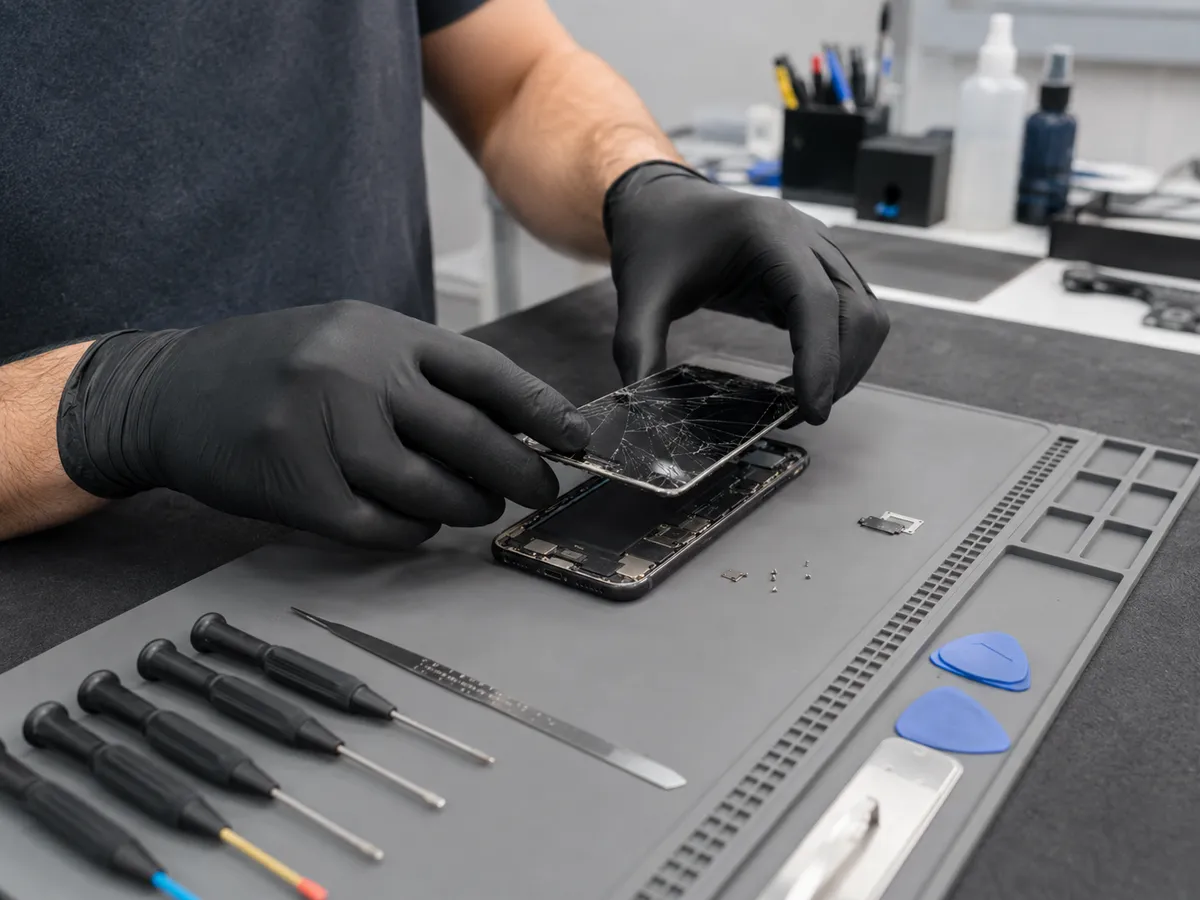
Professional Android Phone Repair in NYC
A reliable repair starts with understanding what is actually wrong with the phone.
Many Android problems can look similar from the outside. A phone that will not charge may have debris in the charging port, a damaged connector, a worn battery, a faulty cable, or another power-related issue. A phone with a black screen may still be running even though the display has failed.
Our approach focuses on diagnosis first. We look at when the problem started, whether the device was dropped or exposed to liquid, and which functions still work. This helps reduce guesswork and supports a more appropriate repair recommendation.

Samsung Phone Repair
Samsung Galaxy devices are among the most common Android phones, and they can develop screen, battery, charging, camera, and audio problems.
Quick Repair and Electronics provides Samsung phone repair in NYC for customers experiencing damaged displays, weak batteries, charging problems, camera faults, and other hardware concerns.
Samsung phones often use OLED displays that can show damage in different ways. A dropped phone may have cracked glass while the image remains visible, or the impact may cause black spots, colored lines, flickering, touch problems, or a dark screen.
Because display assemblies vary by model, identifying the exact Galaxy device helps determine the correct repair approach.
Android Screen Repair
A damaged Android screen can affect both appearance and usability.
Common signs of display damage include cracked glass, black areas, green or pink lines, flickering, ghost touches, unresponsive sections, distorted colors, or no visible image.
The outer glass, touch layer, and display panel may be integrated into one assembly depending on the model. The correct repair should therefore be based on how the full screen is functioning, not only on whether the glass is cracked.
Android Battery Replacement
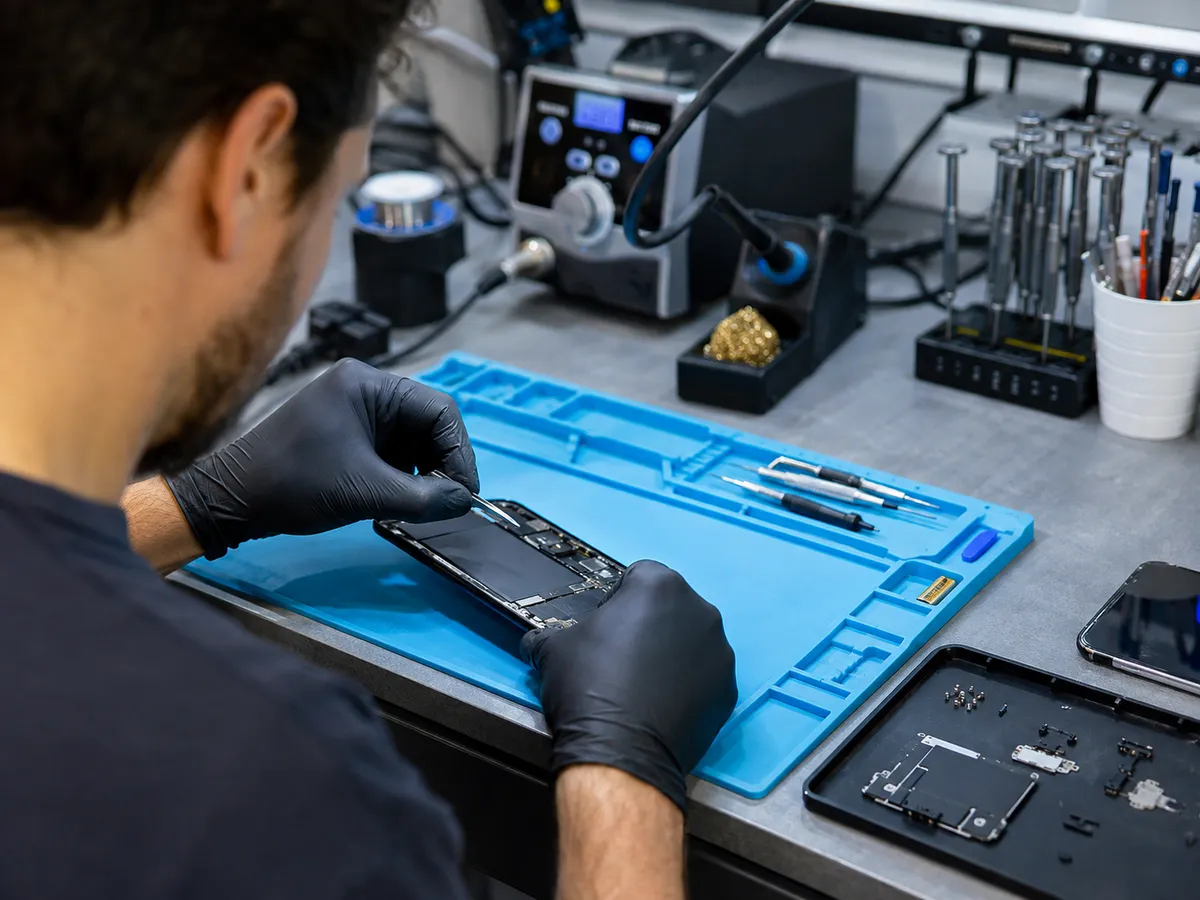
Rechargeable phone batteries naturally lose capacity over time.
You may notice that your Android phone drains much faster than before, shuts down unexpectedly, needs frequent charging, or struggles to remain powered on.
Battery symptoms can overlap with software activity, overheating, charging problems, or other hardware issues. Replacing the battery without checking the device first may not always solve the problem.
We can inspect the phone and determine whether Android battery replacement is appropriate.
If the battery appears swollen or the back cover or screen begins lifting away from the phone, stop using the device and have it inspected. A swollen lithium-ion battery should not be punctured, pressed flat, or forced back into place.
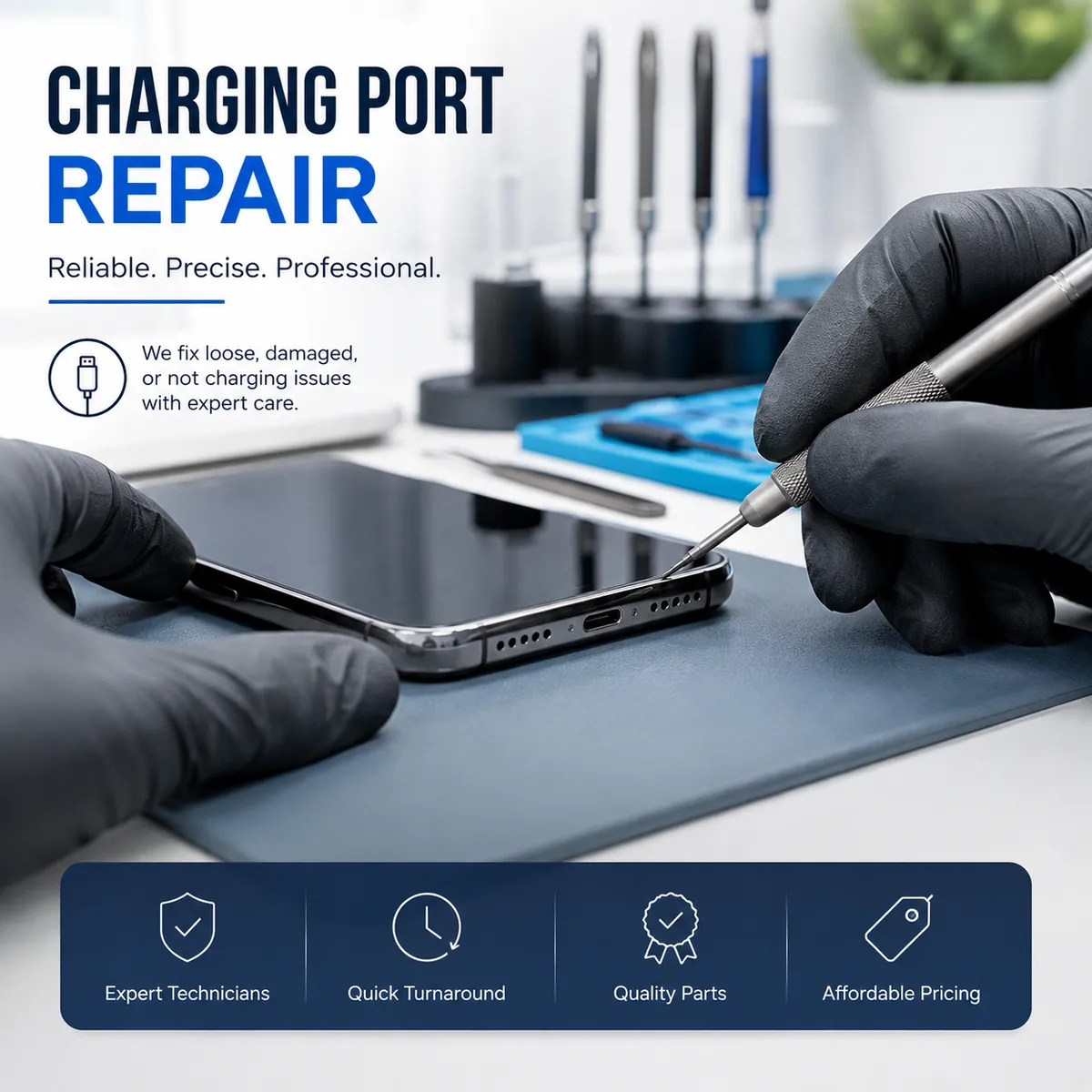
Android Charging Port Repair
A phone may only charge when the cable is held at a certain angle, disconnect when moved, charge slowly, or fail to recognize a charger.
Sometimes debris inside the port interferes with the connection. In other cases, the USB-C connector may be worn or damaged. Battery faults, charging accessories, and internal power issues can create similar symptoms.
Quick Repair and Electronics can inspect the charging area and determine whether cleaning, Android charging port repair, battery service, or additional diagnosis is appropriate.
Avoid inserting pins, needles, or metal tools into the port because the contacts inside can be damaged easily.
Android Water Damage Repair
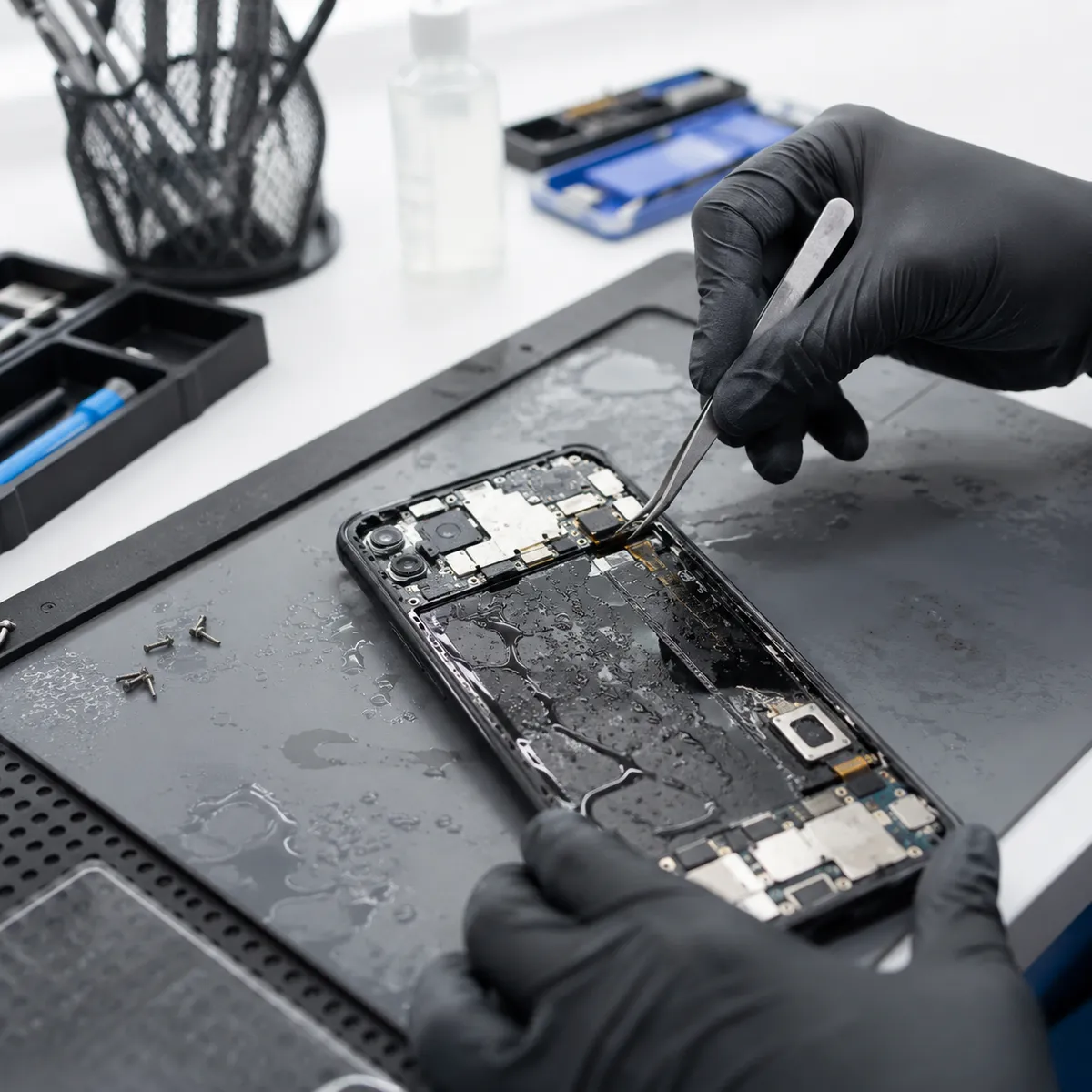
Water resistance is not the same as permanent waterproofing. Phones can become more vulnerable over time because of age, previous repairs, worn seals, cracks, or physical damage.
Liquid exposure may cause charging problems, distorted audio, camera issues, touchscreen faults, overheating, random shutdowns, or complete power loss.
If your Android phone has been exposed to significant liquid, avoid repeatedly powering it on or connecting it to a charger simply to test whether it still works.
The repair outcome depends on the amount of exposure, affected components, corrosion, and overall condition of the phone. An inspection is needed before realistic repair options can be discussed.
Camera, Speaker, and Microphone Problems
A camera may stop focusing, shake, display a black image, or produce blurry photos. Microphone problems can make calls difficult, while speaker faults may cause distorted, weak, or missing audio.
These symptoms may come from physical damage, debris, software behavior, or a failed component. Testing the affected function before replacing parts helps determine whether the hardware itself is responsible.
Android Phone Not Turning On
A phone that appears completely dead can have several possible causes, including the battery, charging system, display, liquid damage, or internal hardware.
Sometimes the phone is powered on even though the display is not showing an image. Vibrations, notification sounds, or computer recognition can provide clues that the screen rather than the entire device has failed.
Proper troubleshooting helps separate display problems from true power failures.
Repair or Replace Your Android Phone?
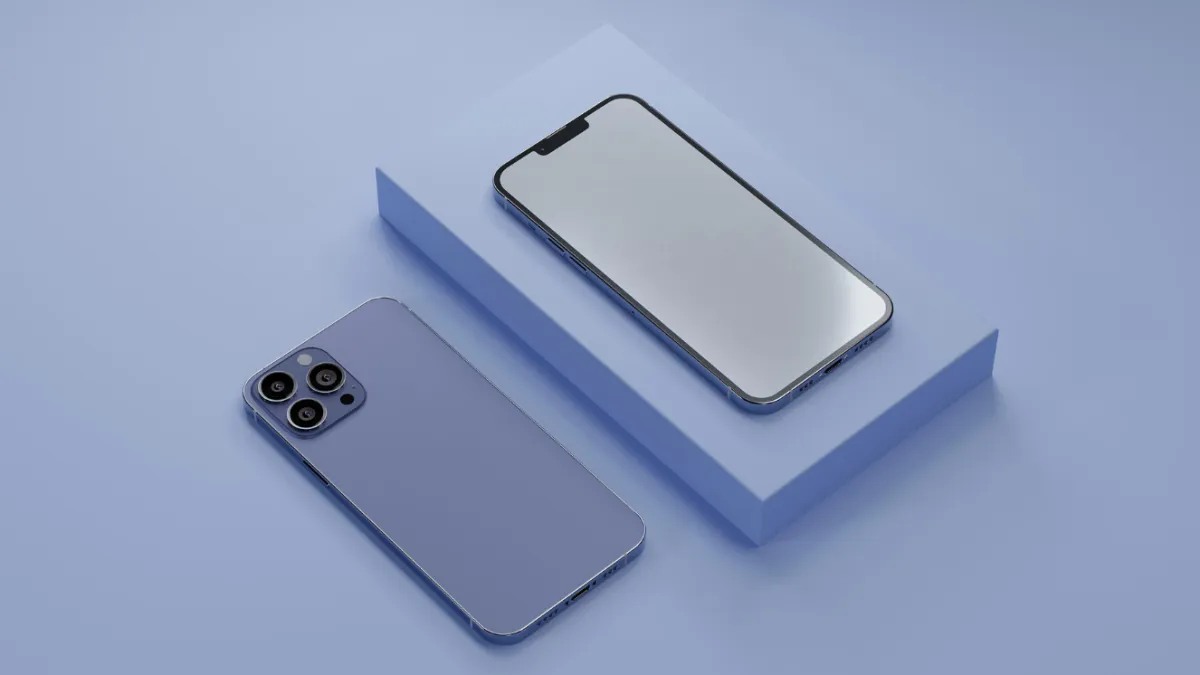
A damaged phone does not automatically need to be replaced, but repair is not always the right choice either.
The decision depends on the phone’s age, overall condition, software support, battery health, storage capacity, extent of the damage, and how well the device still meets your needs.
A newer phone with one damaged component may be a good repair candidate. An older device with several serious hardware problems may require a broader discussion about whether further repair is practical.
Local Android Repair in the East Village
Quick Repair and Electronics provides local Android phone repair in NYC from our East Village location.
Bringing the phone to a local repair shop allows the device to be inspected directly and gives you an opportunity to explain what happened before the problem started.
If possible, tell us whether the phone was dropped, exposed to liquid, overheating, charging inconsistently, or showing unusual behavior before the failure. Those details can help narrow down the cause.
Get Your Android Phone Checked
If your Android phone has a cracked screen, weak battery, charging problem, water damage, camera fault, audio issue, overheating problem, or another hardware concern, Quick Repair and Electronics can help determine the next step.
Bring your Samsung, Google Pixel, Motorola, or other supported Android device to our East Village shop for professional Android phone repair in NYC.
Our team can inspect the phone and explain the repair options that make sense for your device.
Contact Quick Repair and Electronics or request a repair appointment to get started.
Tell Us What You Need Repaired
Make An Appointment
Quick Links



Our certified technicians are committed to quality, honesty, and customer satisfaction.
© 2026 All Rights Reserved by Quick Repair and Electronics | Privacy & Policy | Terms & Condition