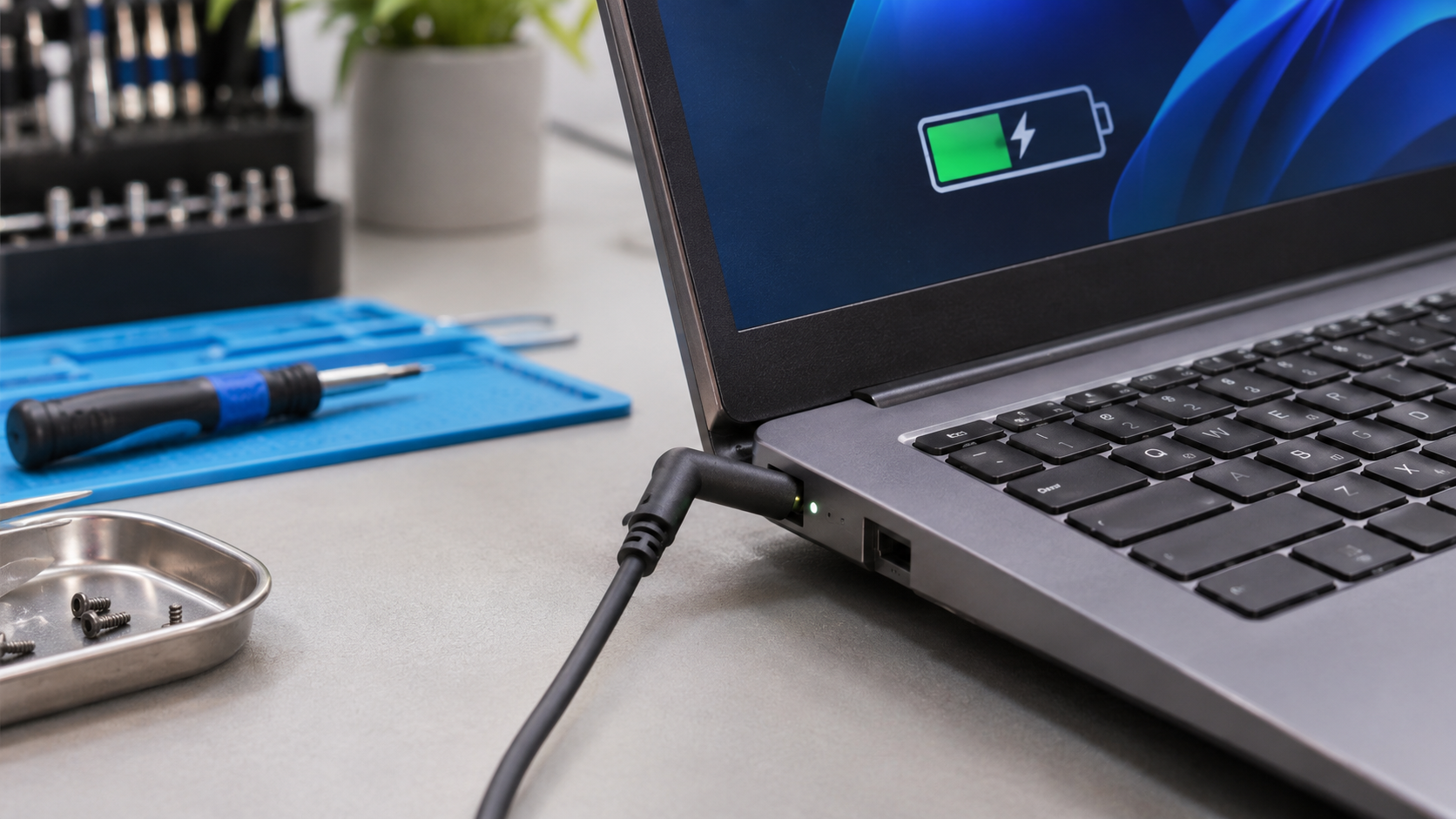
Why Does My Laptop Only Charge When the Charger Is Positioned a Certain Way?
A laptop that only charges when the plug is tilted, pushed, or held in one exact position usually has an unstable connection somewhere in the power path. The problem may be the charger cable, DC jack, USB-C port, solder connection, or internal charging assembly. Continuing to “find the angle” can keep the laptop alive temporarily, but it can also place more stress on the damaged connector.
Quick Repair and Electronics provides laptop repair in East Village, NYC for charging problems, battery faults, damaged ports, and power issues. The goal is to identify whether the charger or the laptop is failing before the connection stops working completely.
Start With the Charger Before Blaming the Laptop
Laptop power cables bend repeatedly near the connector and power brick. Internal wires can break even when the insulation looks normal. If charging changes when the cable itself is bent, the charger may be the problem.
Test with a known-good compatible charger that matches the laptop’s voltage and power requirements. USB-C laptops can also require specific Power Delivery wattage. A phone charger with the same connector may not provide enough power to charge the laptop reliably.
A Loose Charging Port Creates Angle-Dependent Contact
When the charging jack or USB-C port wears or becomes physically damaged, the plug may no longer contact the internal pins consistently. Pushing the connector in one direction can temporarily restore contact, which is why the laptop charges only at a particular angle.
Drops, repeated cable tension, or someone tripping over the cord can loosen the port. On some laptops, the jack is a replaceable cable assembly. On others, the connector is soldered to the motherboard and requires more involved repair.
USB-C Charging Adds Another Layer of Diagnosis
USB-C ports carry data and power through multiple small contacts. A port can look normal while one or more contacts are damaged or contaminated. Debris can also prevent the plug from seating fully.
Because USB-C charging depends on communication between the laptop and charger, a marginal connection may cause slow charging, repeated connect-disconnect sounds, or failure to negotiate the correct power level. Testing should include both physical inspection and power behavior.
Battery Problems Usually Behave Differently
A worn battery can make a laptop shut down quickly, lose charge while unplugged, or refuse to hold a full charge. But a battery problem by itself usually does not explain why charging starts only when the plug is moved.
If cable position directly controls whether the charging indicator appears, the charger or port is more suspicious. The battery should still be tested because more than one problem can exist at the same time, especially on an older laptop.
Why Continuing to Wiggle the Charger Can Make It Worse
Holding the plug at an angle puts mechanical pressure on the connector. If the port is already loose, that pressure can enlarge the damage, crack solder joints, or distort the surrounding housing.
Intermittent electrical contact can also create heat. If the connector becomes unusually warm, smells burnt, sparks, or shows discoloration, stop using it. Those symptoms need inspection rather than another attempt to position the cable more carefully.
Watch for Damage Around the Port and Hinge Area
Some charging ports are mounted near the hinge or side frame, where chassis damage can affect alignment. A cracked case may allow the port to move when the cable is inserted. You may notice the connector sinking into the laptop, the case flexing, or the plug feeling much looser than it used to.
Repairing only the electrical connector without addressing broken mounting points can lead to the same failure again. The structure around the port matters as much as the port itself.
Back Up Important Files While the Laptop Still Charges
If charging is intermittent, use the remaining working time to back up important files rather than waiting for the battery to reach zero. A completely dead battery can make diagnosis and data access more inconvenient if the port fails before repair.
Avoid repeated power cycling and do not leave the laptop unattended with a connection that becomes hot or unstable. A temporary workaround is not the same as a safe long-term charging solution.
Intermittent Charging Can Affect More Than Convenience
A poor power connection can interrupt charging while the laptop is in use, causing the battery to cycle between charging and discharging. Over time, that can make battery behavior seem inconsistent and can lead to sudden shutdowns when the plug loses contact.
If the laptop is used for work or school, unstable charging also increases the chance of losing unsaved work. The problem may look minor because moving the cable restores power, but each interruption is evidence that the connection is not reliable enough for normal use.
The Correct Repair Depends on How the Port Is Mounted
Laptop charging designs vary widely. Some DC jacks are connected to the motherboard by a short cable and can be replaced as a separate assembly. Other ports are soldered directly to the board. USB-C models may combine charging, video, and data functions in the same connector.
That design difference affects labor, parts, and repair strategy. A visual inspection of the exact laptop model is more useful than assuming every loose charging port needs the same repair. The surrounding case should also be checked so a new connector is not installed into a broken mount.
What a Technician Will Test
A charging diagnosis should compare the charger with known-good power sources, inspect the port for looseness or damage, test battery behavior, and check whether the connection remains stable under normal movement. On USB-C laptops, power negotiation and data functions may also be tested. That combination shows whether the problem is the cable, connector, battery, or motherboard-side charging hardware.
A Working Angle Is a Warning, Not a Fix
It is tempting to keep using the one angle that makes the charging light stay on, especially when the laptop is needed every day. But that workaround hides a connection that is already failing. The position may stop working without warning, and constant pressure can enlarge the damage. Treat angle-dependent charging as an early repair signal. Addressing it while the laptop still powers on normally gives you time to back up files and schedule service instead of dealing with a completely dead battery later.
Get Laptop Charging Repair in East Village, NYC
If your laptop charges only when the plug is positioned a certain way, the issue may be a damaged charger, worn DC jack, USB-C port, loose internal connection, or structural damage around the connector. Testing the power path is more reliable than continuing to bend the cable.
Quick Repair and Electronics provides laptop repair in East Village, NYC for charging-port and power problems. Bring the laptop and the charger you normally use so both can be tested together. Our technicians can identify where the connection is failing and recommend the repair that fits the device.