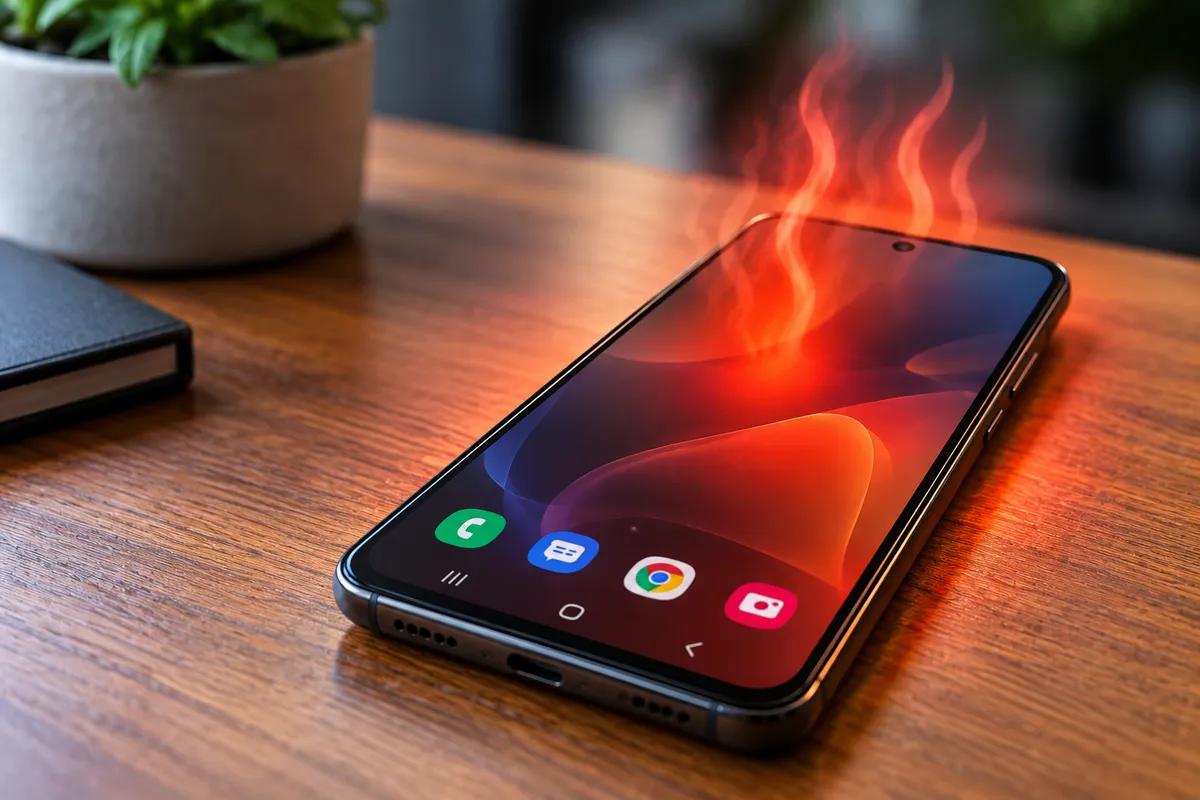
Why Is My Android Phone Overheating Even When I’m Not Using It?
An Android phone can become warm during gaming, video recording, navigation, or charging, but it is more concerning when the device heats up while sitting idle. If your phone feels noticeably hot even when you are not actively using it, something may be keeping the processor, battery, network hardware, or another component working in the background.
Sometimes the cause is software-related, such as an app that continues running when the screen is off. In other cases, overheating may be connected to battery deterioration, charging problems, poor signal conditions, liquid damage, or internal hardware failure.
Quick Repair and Electronics provides professional Android phone repair in NYC for overheating, battery, charging, screen, and other device problems. If your Android phone repeatedly becomes hot without an obvious reason, identifying the cause early can help prevent additional performance or battery issues.
Why Can an Android Phone Overheat While Idle?
Even when the screen is off, your phone does not completely stop working.
Android devices continue handling notifications, email synchronization, cloud backups, location updates, app processes, Bluetooth connections, cellular communication, and system maintenance in the background.
Normally, these processes use relatively little power. If one of them becomes unusually active, the processor may stay busy for long periods and generate more heat than expected.
An idle phone that consistently feels hot may therefore be using more power than it should.
The most common causes include background apps, poor cellular signal, battery problems, software issues, charging faults, or damaged internal components.
Background Apps Can Keep the Phone Working
Some applications continue running even when you are no longer actively using them.
Messaging apps, social media platforms, navigation services, cloud storage, email, and other applications may perform background tasks throughout the day.
A poorly behaving app can become stuck in a loop, repeatedly access location services, continuously sync data, or use the processor more heavily than normal.
This can result in:
Increased battery drain
Higher phone temperature
Reduced performance
Shorter battery life
If the overheating started after installing or updating an application, that app may be worth investigating.
Android battery settings often provide information about which applications are using the most power. An app consuming unusually high battery while the phone is idle may indicate a software-related cause.
Poor Cell Signal Can Make Your Phone Run Hot
Your smartphone constantly communicates with nearby cellular towers.
When the signal is weak, the device may use additional power trying to maintain or establish a connection.
This can happen inside buildings, elevators, underground locations, parking structures, or areas with limited coverage.
If your Android phone becomes warmer in places where reception is consistently poor, network activity may be contributing to the problem.
The same effect can occur when the phone repeatedly switches between 5G, 4G, and other network connections.
If the device cools down when airplane mode is enabled, network activity may be part of the cause. That does not automatically mean the phone needs repair, but persistent overheating in normal signal conditions may require further troubleshooting.
Battery Problems Can Cause Overheating
An aging or damaged battery is another potential cause.
Lithium-ion batteries gradually lose capacity as they go through charging cycles. As batteries deteriorate, they may become less efficient and generate more heat during charging or normal operation.
Possible signs of battery deterioration include rapid battery drain, unexpected shutdowns, inconsistent battery percentage, slow charging, and unusual heat.
If the phone becomes hot even when it is not being used and the battery percentage drops quickly at the same time, the battery should be considered during diagnosis.
A swollen battery is more serious. If the back cover or screen begins lifting away from the phone, stop using the device and have it inspected.
Do not press the casing back into place or continue charging a visibly swollen battery.
Charging Problems May Generate Heat
Sometimes the phone is not overheating because of normal Android activity but because of the charging system.
A damaged cable, worn charging port, poor-quality charger, battery fault, or internal power issue can increase heat while the phone is connected to power.
If the phone becomes hot specifically while charging, test with a compatible charger known to be working correctly.
Also pay attention to whether charging has become slower, inconsistent, or dependent on cable position.
Charging issues and overheating occurring together may indicate a problem that should be inspected professionally.
For broader charging or hardware concerns, our phone repair service in NYC covers charging ports, batteries, water damage, and other smartphone problems.
Software Updates Can Temporarily Increase Heat
After a major Android or app update, the phone may perform additional background tasks.
The system might optimize applications, rebuild indexes, synchronize data, or process files.
During this period, the phone may temporarily run warmer than usual even while the screen is off.
This type of heat should generally settle once the background activity finishes.
If the phone continues overheating for several days after an update, another issue may be involved.
Restarting the device can sometimes stop a process that has become stuck. Checking for additional system or app updates may also resolve known software problems.
Malware or Unwanted Software Can Increase Background Activity
Unwanted or malicious software can also consume processing power without obvious signs.
Some applications may display excessive advertisements, run persistent services, collect data, or perform tasks in the background.
This increased activity can contribute to battery drain and overheating.
Be cautious with apps installed from unknown sources or applications requesting permissions that do not make sense for their function.
Removing suspicious applications and reviewing battery usage can help determine whether software activity is responsible.
If the phone remains hot after unnecessary apps are removed, hardware diagnosis may be the next step.
Can a Damaged Phone Overheat After a Drop?
Yes.
A strong impact can damage more than the screen.
Internal connectors, the battery, charging components, or other hardware may also be affected.
A phone that begins overheating shortly after being dropped should not be treated as a normal software issue without further inspection.
Even if the phone still turns on and appears functional, physical damage can sometimes cause power-related problems.
Tell the technician if the overheating began after an impact because that history can help narrow down the cause.
Water Damage Can Cause Unusual Heat
Liquid exposure can also contribute to overheating.
Moisture and corrosion may affect charging circuits, the battery connection, motherboard components, or other parts of the phone.
The device may appear to work normally at first and develop symptoms later.
If your phone was recently exposed to water and now becomes unusually hot while idle, repeatedly charging or using it may create additional risk.
A proper internal inspection can help determine whether corrosion or damaged components are involved.
Is Android Overheating Dangerous?
Mild warmth is normal during certain activities, but excessive or persistent heat should not be ignored.
Modern phones may reduce performance, stop charging, dim the display, or display a temperature warning when they become too hot.
Repeated overheating can also accelerate battery deterioration.
If the phone becomes uncomfortable to hold, repeatedly displays temperature warnings, shuts down from heat, or continues getting hot while idle, stop intensive use and allow the device to cool.
Avoid placing the phone in a refrigerator or freezer. Rapid temperature changes can create condensation inside the device.
What Should You Do Before Getting the Phone Repaired?
Start with simple checks.
Restart the phone and monitor whether the overheating returns. Review battery usage to identify applications consuming unusually high amounts of power. Remove recently installed or suspicious apps, install legitimate system updates, and test whether the phone heats up in different signal conditions.
If the device overheats mainly while charging, try another compatible charging cable and adapter.
Also remove a thick case temporarily to determine whether trapped heat is making the problem feel worse.
If the phone continues becoming hot while sitting unused, the problem deserves closer inspection.
Android Phone Overheating Repair in NYC
Persistent overheating can come from software, battery deterioration, charging problems, liquid exposure, network activity, or internal hardware faults.
Quick Repair and Electronics can inspect the device and help determine what is causing the excess heat.
If your Android phone is overheating, draining its battery quickly, shutting down unexpectedly, or becoming hot even when the screen is off, visit our East Village shop for professional Android phone repair in NYC.
Our team can evaluate the phone, explain what we find, and discuss the repair options that make sense for the device.