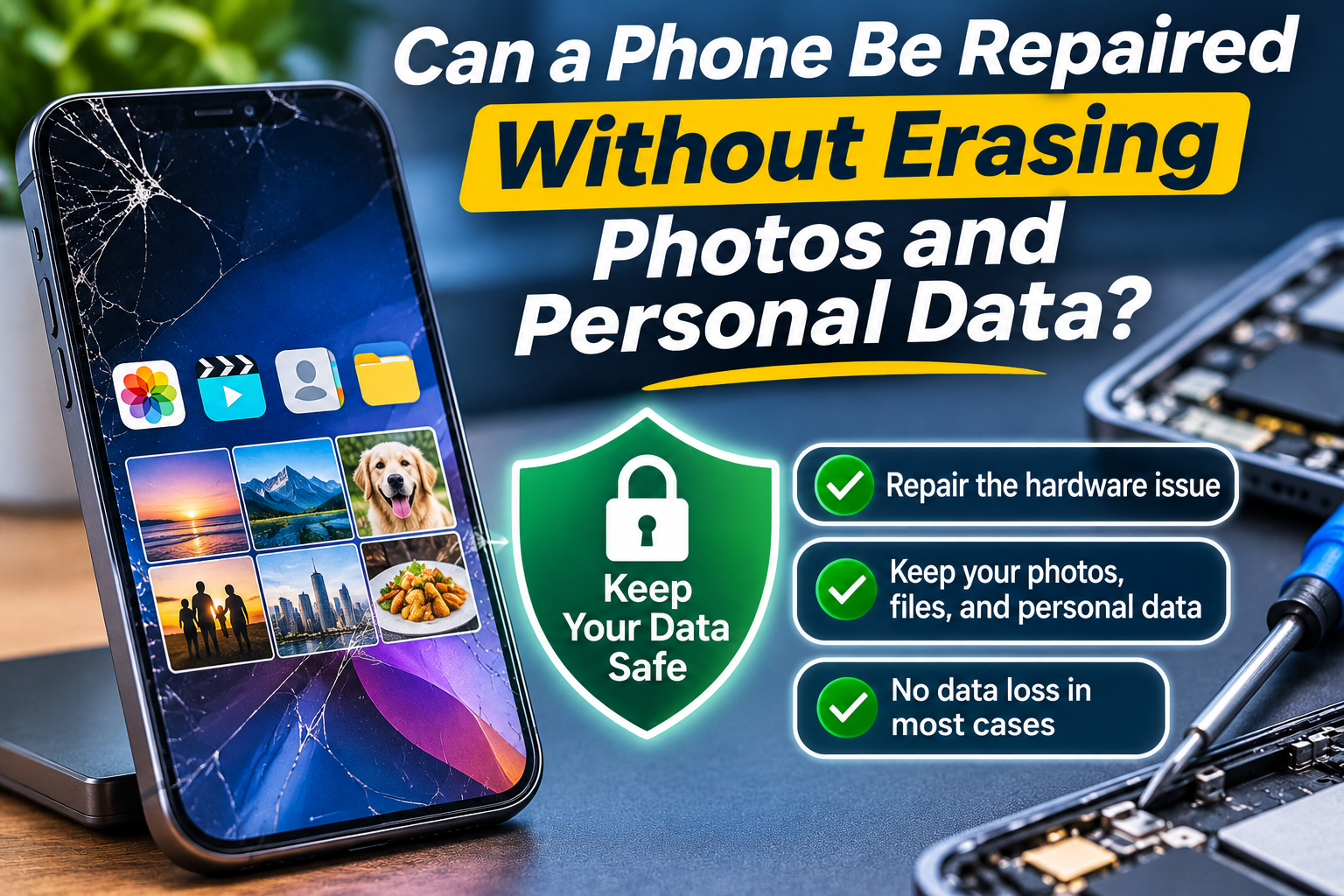
Can a Phone Be Repaired Without Erasing Photos and Personal Data?
Most hardware phone repairs do not automatically require your photos, messages, contacts, and personal files to be erased. Replacing a screen, battery, charging port, speaker, camera, or other component can often be performed without wiping the device. However, there are situations where software troubleshooting, motherboard damage, encryption, or a failed storage system changes the risk.
Quick Repair and Electronics provides phone repair in East Village, NYC for a wide range of smartphone problems. If your data matters, tell the technician before repair begins so the diagnostic and repair plan can take that priority into account.
Hardware Repairs Usually Do Not Need a Factory Reset
Many common repairs are physical component replacements. A cracked display, worn battery, damaged charging connector, failed speaker, or broken camera does not normally require the phone’s storage to be reformatted. The operating system and personal files remain on the same device.
That said, successful repair and data preservation are two separate promises. A technician can often avoid intentionally erasing data, but no responsible repair process should claim zero risk when a phone already has severe damage or storage instability.
Why Some Repairs Carry More Data Risk Than Others
A screen replacement on an otherwise healthy phone is different from repairing a device that will not power on after liquid damage. When the motherboard, storage controller, or power-management system is affected, the phone may already be at risk of losing access to its data.
Board-level repairs can sometimes restore access without wiping the phone, but the outcome depends on the exact failure. Encryption also means that simply moving storage chips to another device is not a straightforward recovery method on modern smartphones.
Software Problems Can Lead to Reset Recommendations
If the phone’s hardware tests normally but the operating system is badly corrupted, a factory reset may be suggested as a troubleshooting step. Resets are also sometimes required after certain security or activation problems.
That is why backups matter even when you are seeking a hardware repair. If the phone still works well enough to back up, do it before service. A current cloud or computer backup reduces the stakes if an unexpected software issue appears during diagnosis.
Your Passcode May Be Needed for Functional Testing
Technicians may need to test the repaired function after service. A screen repair, for example, should be checked for touch response, brightness, cameras, speakers, and other features. Some of those tests may require access beyond the lock screen.
Ask the repair shop how they handle passcodes and privacy. In some cases, you can remove sensitive apps, use a temporary passcode, or remain present for certain testing. The right approach depends on the repair and the device.
What to Do Before Bringing the Phone In
Back up the phone if possible. Confirm that photos, contacts, and important documents are syncing correctly rather than assuming cloud backup is active. Note important account credentials and make sure you know the device passcode.
If the phone is unstable, overheating, swollen, or water-damaged, do not keep using it aggressively just to complete a perfect backup. In those situations, protecting the hardware may be more important than forcing repeated power cycles.
Repair Is Different From Data Recovery
If the phone still boots and the storage is healthy, a normal repair can often preserve personal data. If the phone is completely dead, encrypted, severely liquid-damaged, or has motherboard failure, the job may shift toward data access rather than ordinary component replacement.
Tell the technician if the files are more valuable than the device itself. That can change the order of operations and prevent unnecessary resets or software reinstalls before the data situation is understood.
Be Careful With Any Promise That Data Is Guaranteed
No repair shop can honestly guarantee that damaged electronics will preserve every file under all circumstances. Storage devices can fail independently, liquid corrosion can progress, and a phone that already crashes or restarts may have deeper issues.
A better standard is clear communication: avoid unnecessary wiping, protect the existing storage, explain when a reset is genuinely required, and separate hardware repair from data-recovery decisions.
How to Prepare the Phone Without Giving Up Your Privacy
Before service, remove anything you do not want physically attached to the device, such as SIM cards or memory cards, unless the technician needs them for diagnosis. Make sure you know your account credentials and disable features only when the repair shop specifically asks you to. Avoid deleting data merely because the phone is going in for hardware work.
If the device supports a repair or maintenance mode, that can sometimes limit access to personal content while still allowing hardware testing. Availability varies by model and software version, so ask what options are appropriate for your phone rather than relying on a generic checklist.
A Good Repair Process Separates Testing From Unnecessary Data Access
Most hardware functions can be tested with a clear plan. Touch response, charging, speakers, microphones, cameras, and buttons can often be verified without browsing through personal photos, messages, or documents. The technician only needs enough access to confirm that the repaired function works correctly.
That separation is part of professional handling. If a repair requires a reset, software restore, or deeper access, you should be told why before the step is taken whenever possible. Clear expectations reduce surprises and help you decide whether to proceed, back up first, or prioritize data recovery.
What to Ask Before Approving the Repair
Ask whether the repair normally requires a reset, whether the technician expects to need the passcode, and what happens if deeper damage is discovered. If the phone is still working, confirm your backup before authorizing work. If it is not working, make it clear that preserving access to the existing data matters more than restoring every feature immediately.
When the Phone Is Already Unstable
A phone that is restarting, overheating, freezing, or shutting down unexpectedly needs a more cautious approach than a device with only a cracked screen. Those symptoms can involve the motherboard, battery, or storage system and may make backup access less reliable. If the data is important, avoid repeated resets and aggressive troubleshooting. Let the technician know whether the phone still unlocks, charges, connects to a computer, or stays powered on long enough to copy files.
Get Phone Repair With Data in Mind in East Village, NYC
If you need a phone repaired but are worried about photos, messages, contacts, or other personal data, say so before the device is opened or reset. Many common hardware repairs can be completed without intentionally erasing the phone.
Quick Repair and Electronics provides phone repair in East Village, NYC for screens, batteries, charging problems, cameras, audio issues, and other hardware concerns. Bring the device in and explain both the repair problem and how important the stored data is. Our technicians can evaluate the issue, avoid unnecessary data-destructive steps, and explain the repair options before work proceeds.